Help Center
Payroll
Pay Schedule / Cut-off Queries

Table of Content

Carrot icon
No items found.

Where can I see the payroll cut-off dates and pay dates for a specific pay cycle?

You can see all key dates for each pay cycle (cut-offs, pay dates, and invoice dates) in the Important Dates calendar on the Payoneer WFM dashboard, filtered by country.
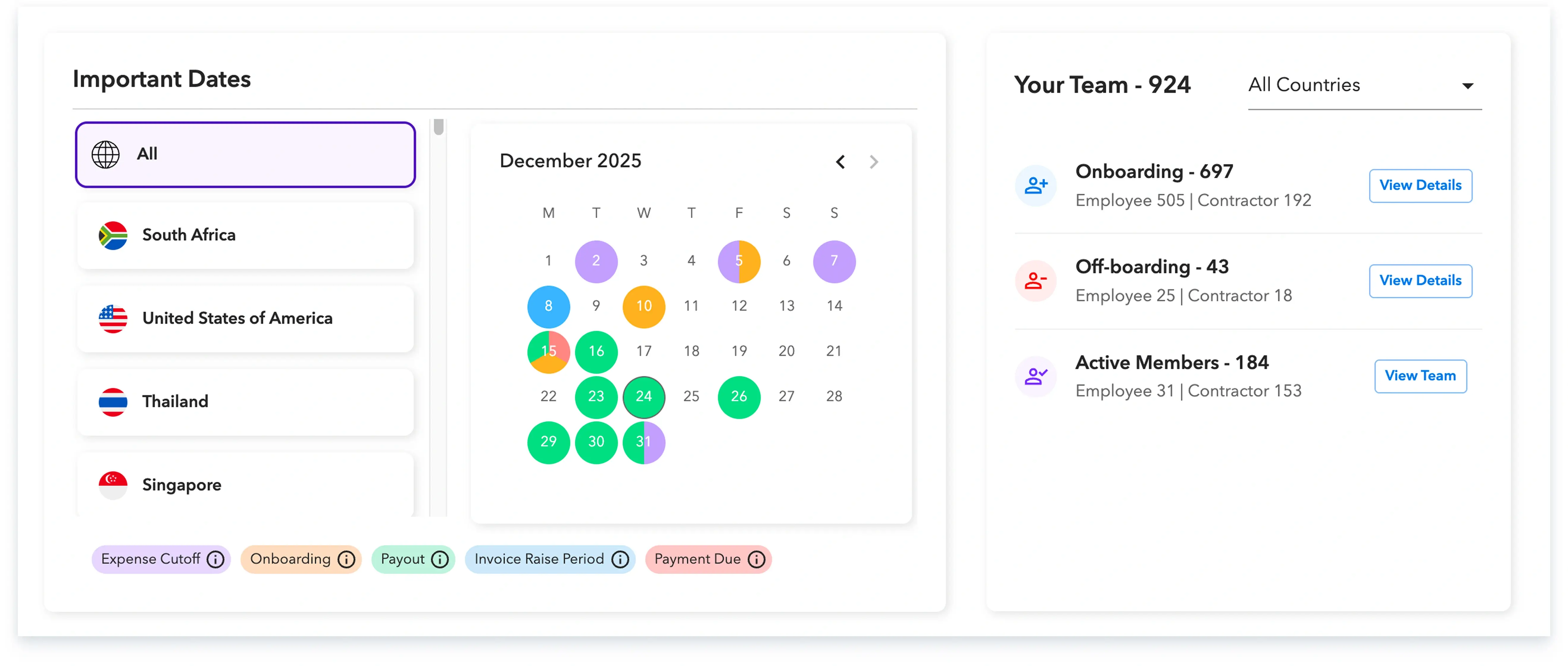
Important Dates calendar

How to view it:

  1. Log in to the Payoneer WFM platform.
  2. On the dashboard, go to the Important Dates section.
  3. By default, you’ll see ALL countries.
  4. Click a specific country (e.g. Thailand, Singapore, Pakistan, Philippines etc.) to see that country’s calendar.

What the dates mean:

At the bottom of the calendar you’ll see a legend:
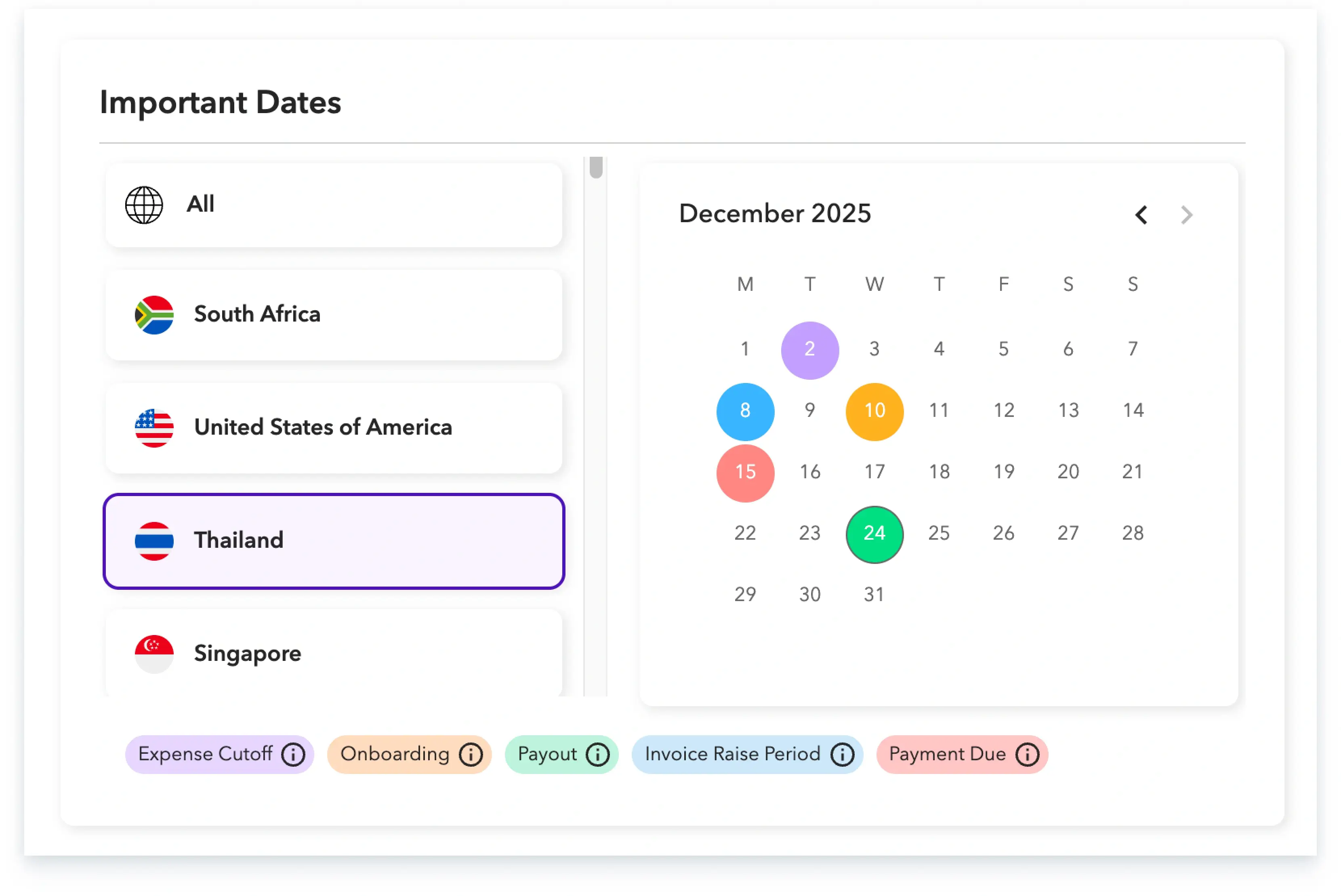
  1. Expense Cutoff (Purple) – Last date to submit adjustments and approve the expenses (By Managers) to be paid in that cycle.
  2. Onboarding (Orange) – Last date by which a new hire must start/be onboarded to be included in that payroll cycle.
  3. Payout (Green) – The pay date on which employees are expected to receive salary.
  4. Invoice Raise Period (Blue) – The date range when your invoice will be issued for that cycle.
  5. Payment Due (Red) – The last date to pay the invoice so payouts can be processed on time.
calendar

Quick example (Thailand – November 2025):

For Thailand, you might see:

15th – Expense Cutoff (Purple)

20th – Onboarding Cutoff (Orange)

14th–17th – Invoice Raise Period (Blue)

21st–24th – Payment Due (Red)

28th – Payout (Green)

So for that month: approve expenses by 15th, onboard new hires by 20th, pay the invoice by 21st–24th, and employees get paid around 28th.

You can use this calendar each month to plan submissions, approvals, invoice payment, and payroll payout timelines.

Skuad is the best solution to hire and expand globally.

Global employment, payroll, teams and expansion, simplified.

Request demo