
You can add your dependent's insurance details during the onboarding process or while setting up your profile, provided your employer has enabled this feature for your coverage.
Step-1:
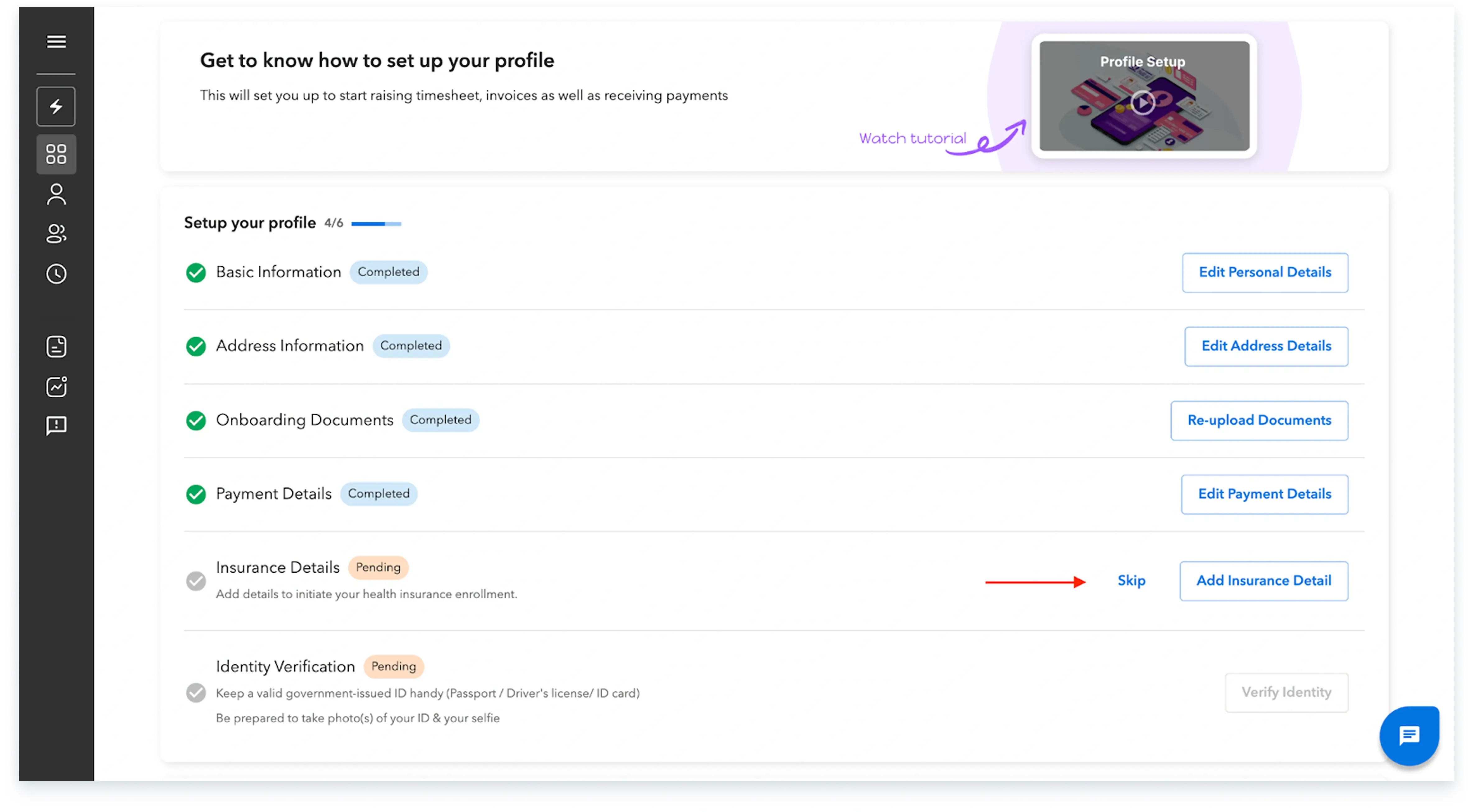
Log in to the Payoneer WFM platform.Navigate to the 'Profile Setup' or 'Onboarding' section, then proceed to the 'Dependent's Details' area.
Step-2:
For each dependent, select the option to 'Add Details.' You have the ability to include your spouse, child, and parent, as applicable and permitted by your employer’s insurance policy.


Step-3:
If an eligible dependent is not covered under your employer's standard plan, you will see an explicit option to choose to cover them at your own expense.

Step-4:
Once all dependent information and coverage elections have been accurately entered, select the 'Preview all details' option to perform a final review.

Step-5:
After confirming the details are correct, click on 'Submit ' to finalize the addition of your dependent's insurance details.
Completing these steps will ensure your dependent's insurance details are correctly submitted through the platform.
Global employment, payroll, teams and expansion, simplified.
Request demo