
Creating your employee profile on Payoneer WFM is a quick process that allows your employer to manage your payroll, payments, and compliance information.
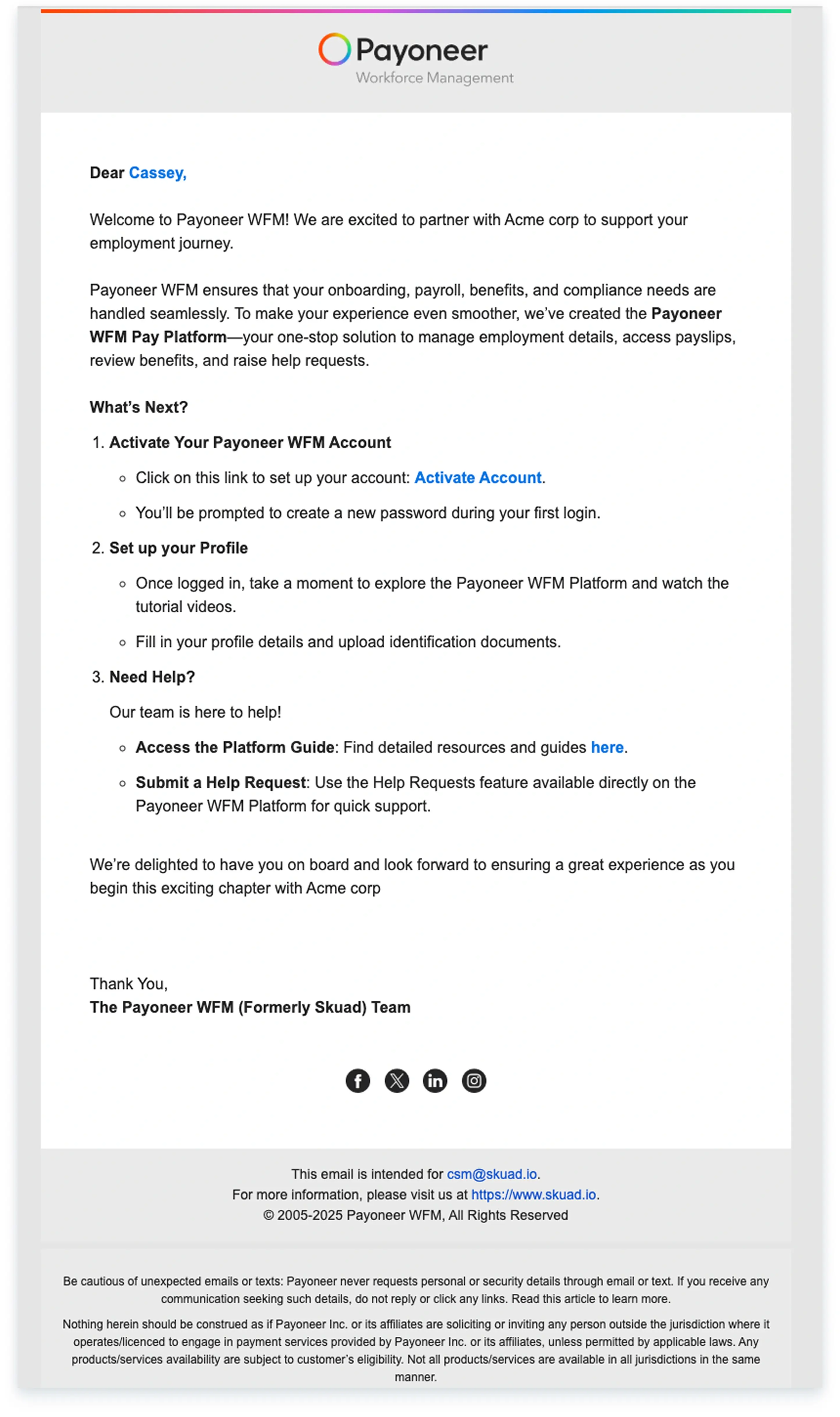
Step 1:You will first receive a welcome email from Payoneer WFM at the email address your employer provided. Click on 'Sign Up' within this email to initiate the profile creation process.
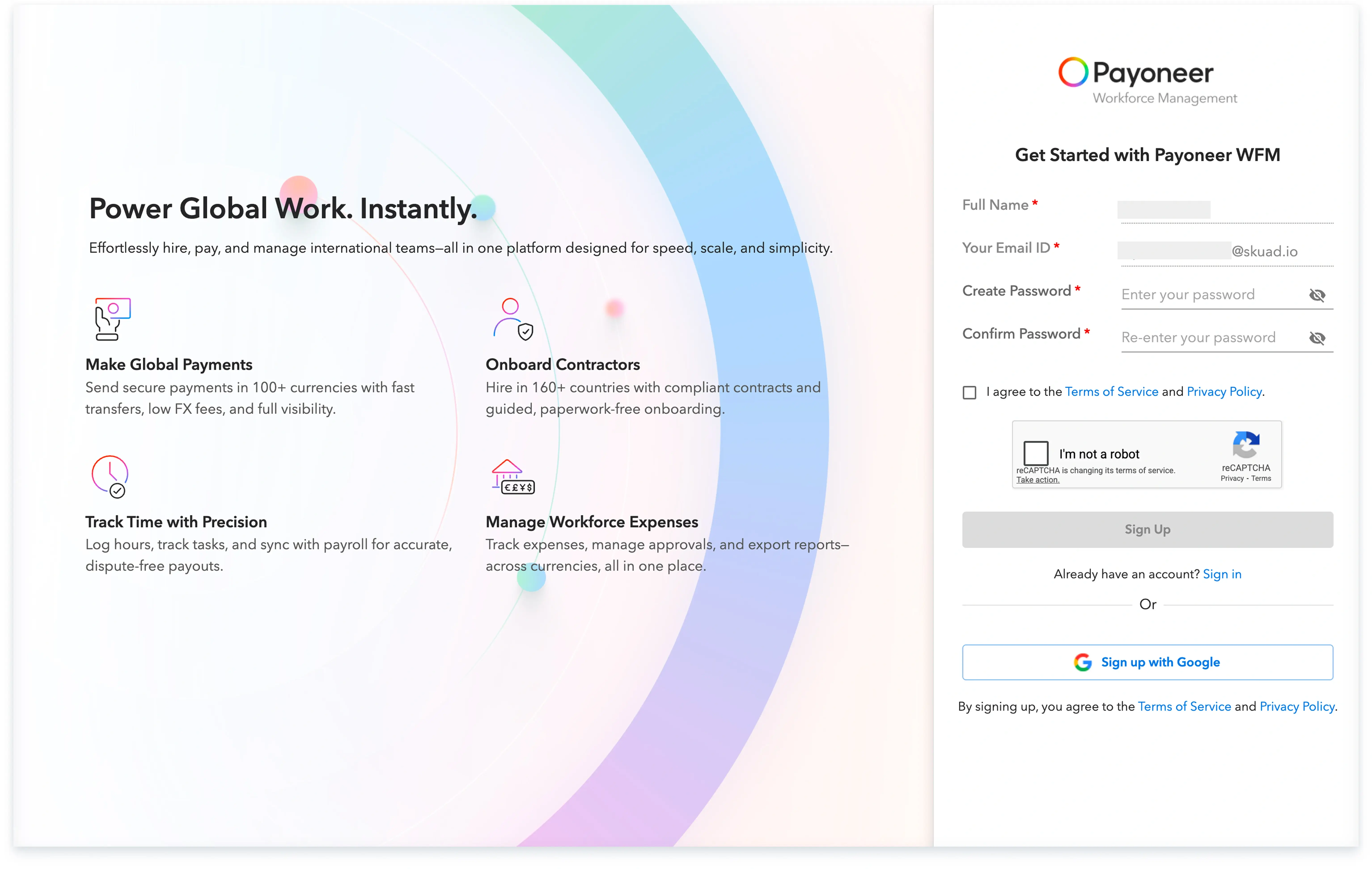
Step-2 : Create a new password for your account or select the option to 'Sign in using google'.
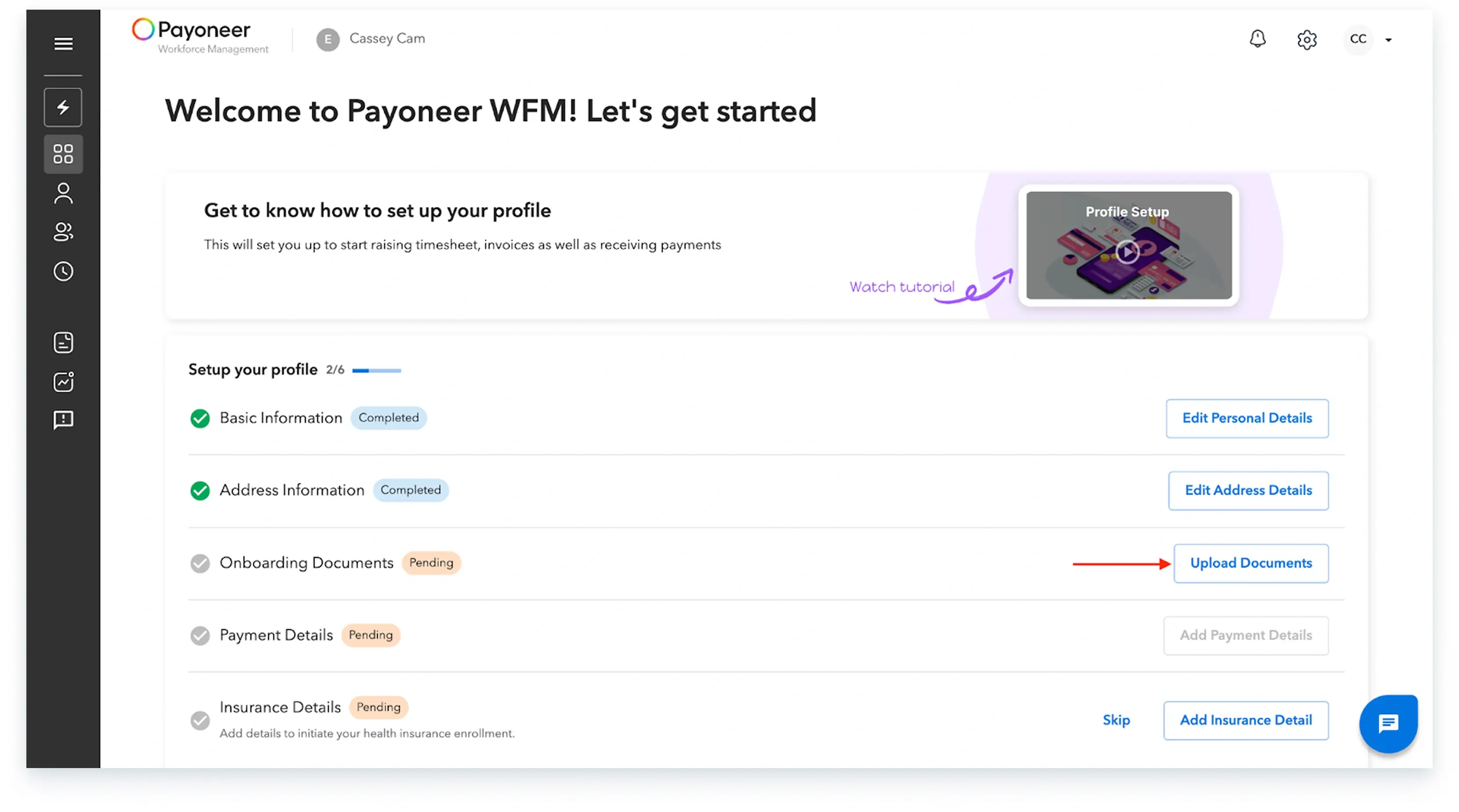
Step-3: The system requires you to complete the following specific steps:
a) Begin by filling in your basic information and address details. You must add your address details exactly as they appear on your official documents.


b) Add your Address details as per your documents.


c) Upload your government-issued identification documents. The specific documents mandatory for this step will depend on your country of residence.

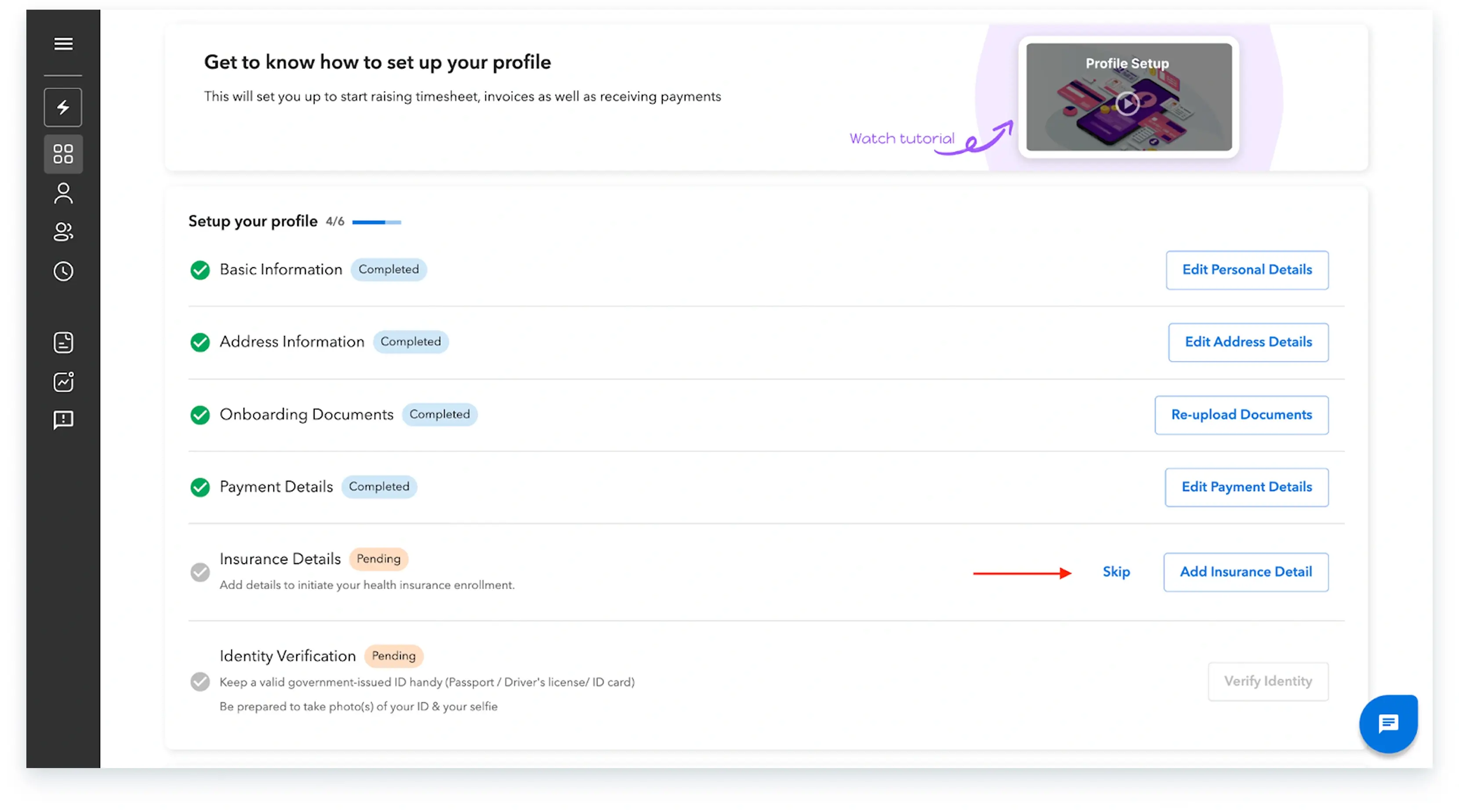
d) Enter your Payment Details, including your Bank country, bank name, and all other necessary financial information.


e) If your employer has enabled insurance for you, you will be able to add the insurance details. You can also include dependent details (spouse, child, and parent) as permitted, and you may choose to opt for coverage for any dependents not covered by your employer at your own expense.

You may additionally add the number of dependents, like the number of children to be enrolled by clicking on “+Add Child”

If any of the dependent is not covered under by your employer, you can choose to cover them at your own expense

Preview all the information you have entered and click on 'Submit Request'.

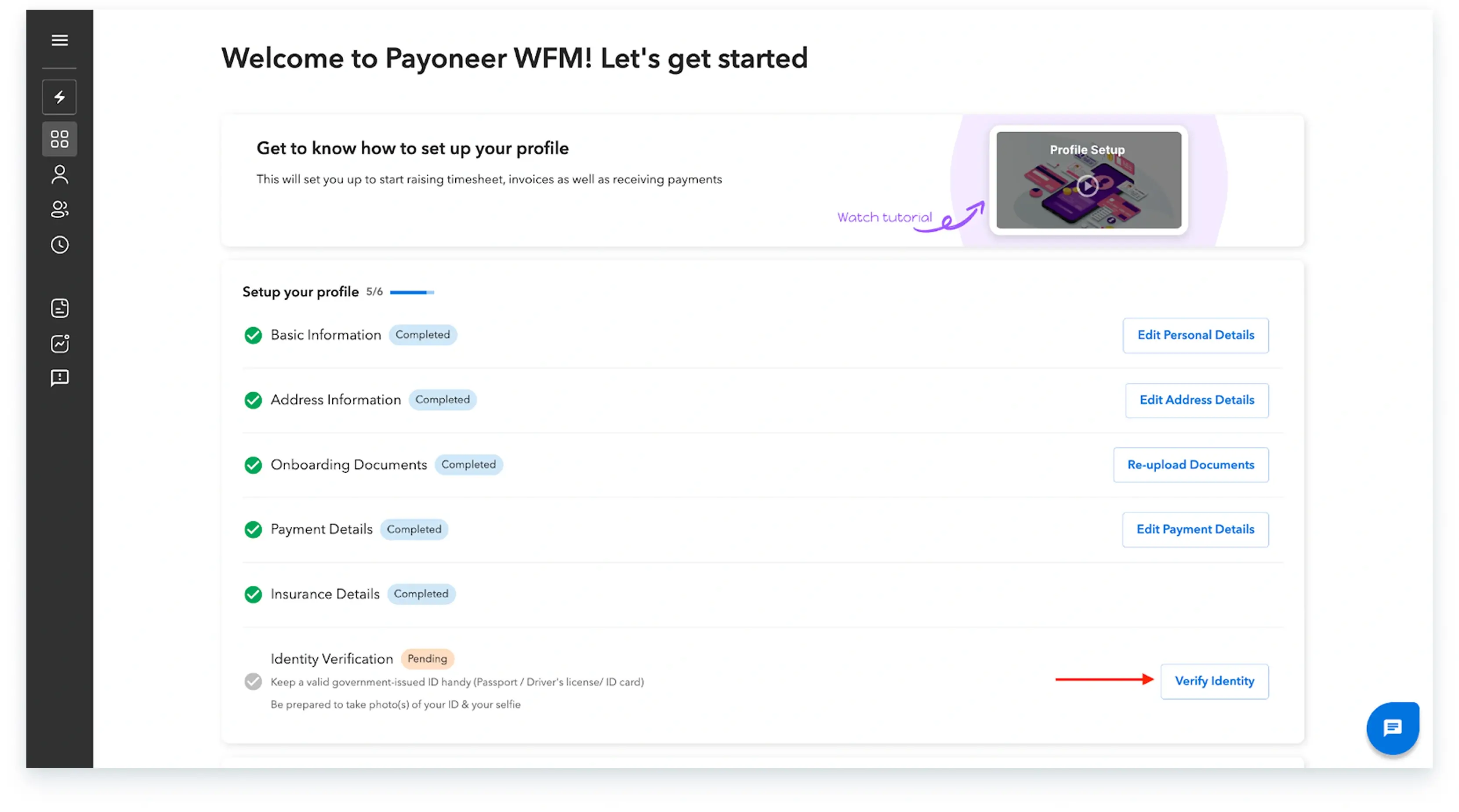
f) Carry out the final document verification step. Under the document verification section, click on 'Verify' to authenticate your identity using a government-issued photo ID proof. You can complete this verification process using your phone.
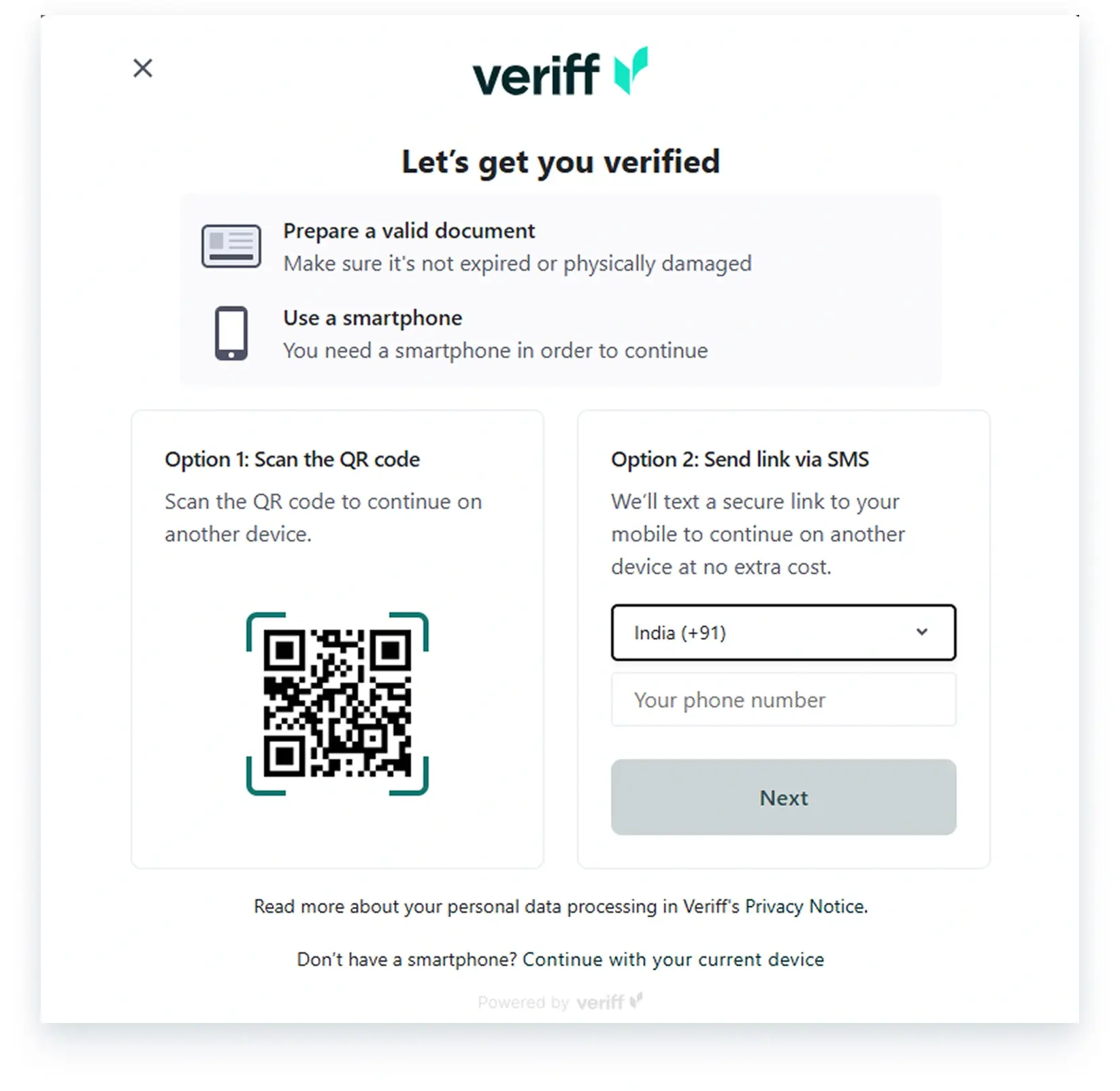
Once the system successfully verifies your documents, your employee profile will be complete, granting you full access to your Payoneer WFM account according to your employer’s setup.
Global employment, payroll, teams and expansion, simplified.
Request demo