
The My Team section provides a central location to efficiently manage who in your organization can access the WFM platform and their specific level of access.
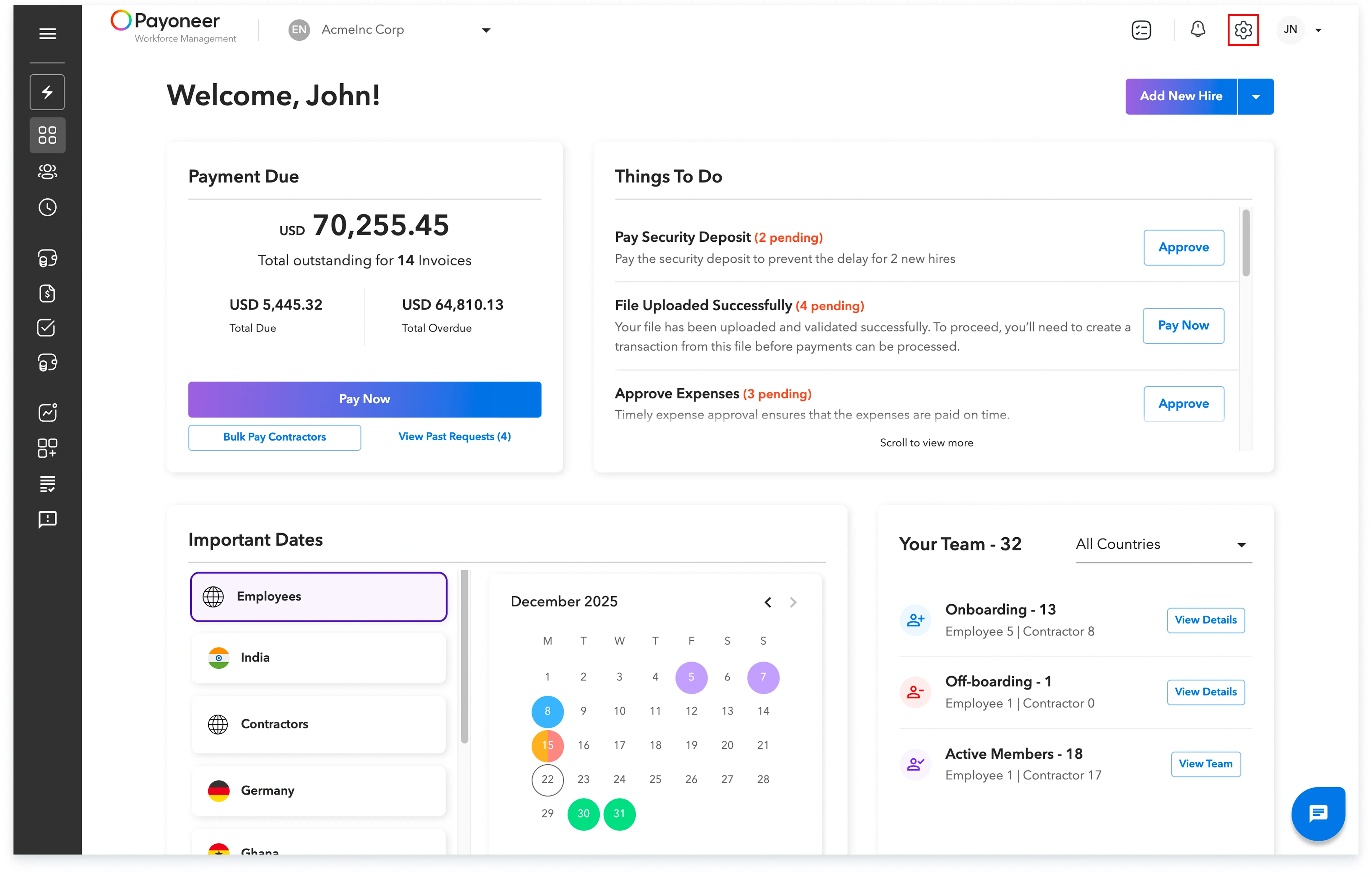
Step 1: Log In to Payoneer WFM and Click Account Settings located in the top-right corner of the platform.
Step 2: Select the My Team tab to enter the team management section.
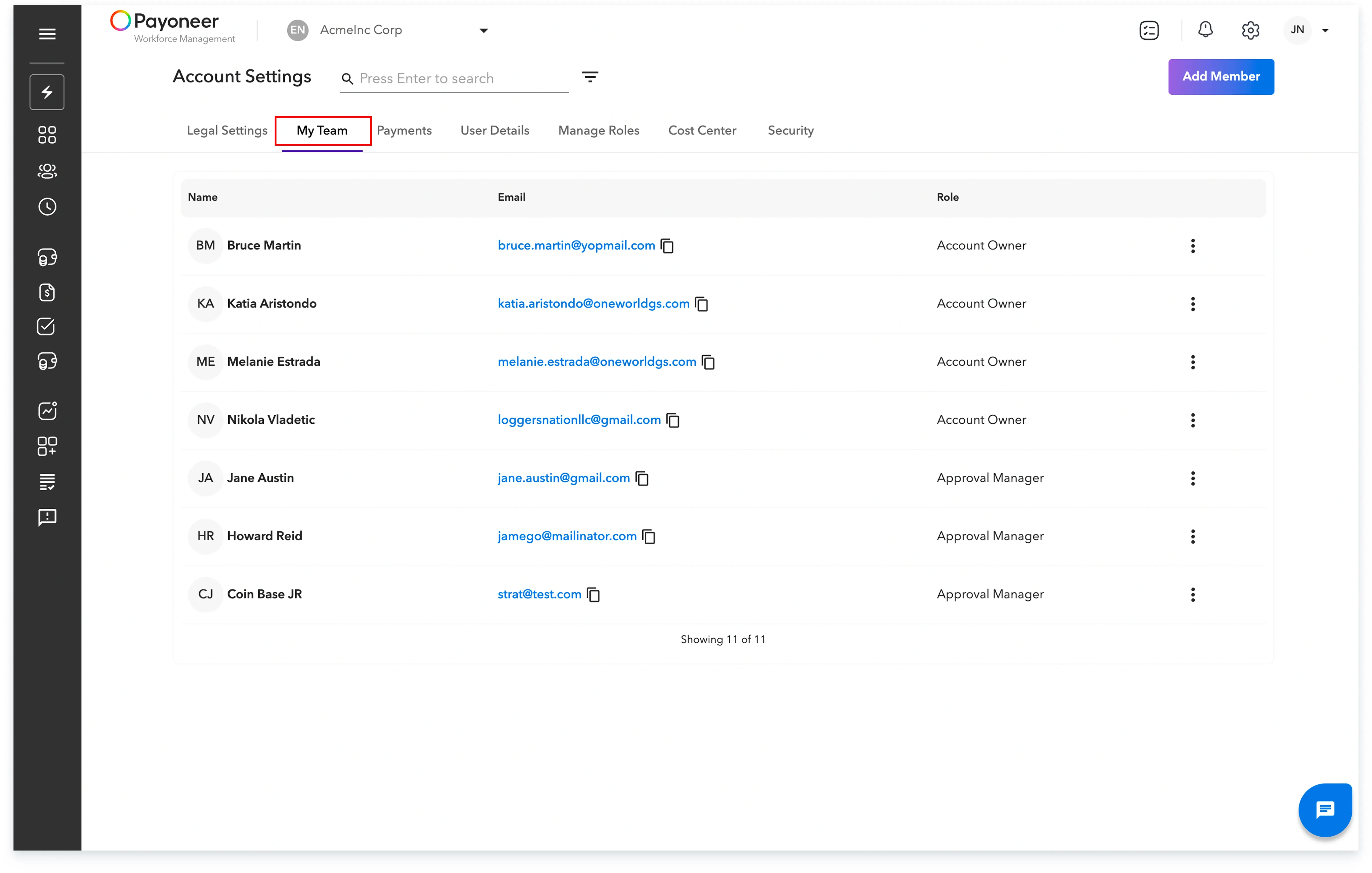
Here you will see:
By utilizing the My Team section, you maintain complete control over your team's access and permissions within the platform. If you encounter any issues with managing a team member, please raise a Help Request from within the platform for assistance.
Global employment, payroll, teams and expansion, simplified.
Request demo