
You can easily view all your specific employment details within the Payoneer WFM platform by following a few simple steps.
Step-1: Log into the Payoneer WFM platform. Navigate to the left navigation sidebar.

Step-2: Select the Job details tab.
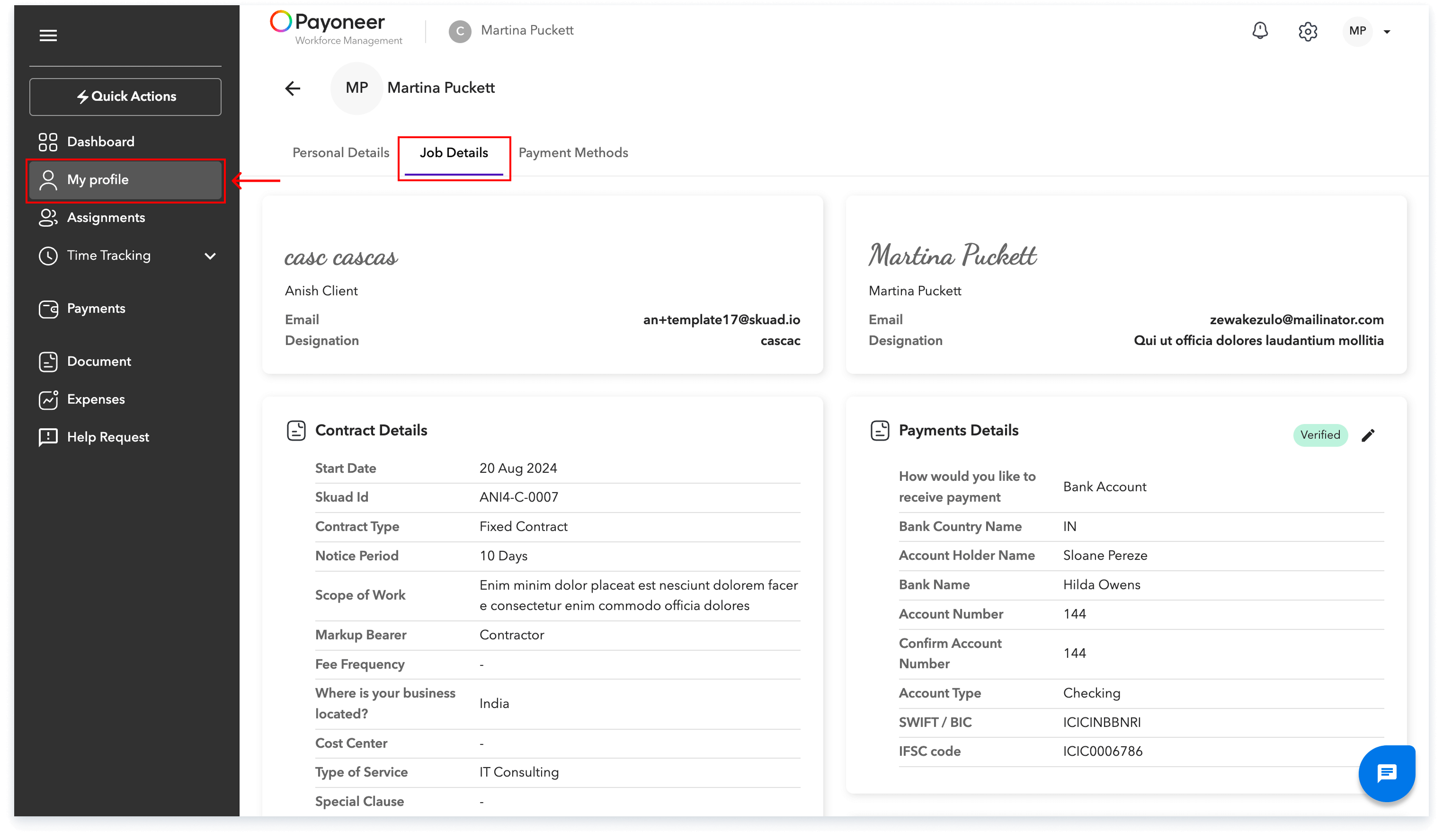
All of your specific job information will be displayed for your review. This streamlined process ensures you always have immediate access to your critical employment information.
Global employment, payroll, teams and expansion, simplified.
Request demo