
You can request private health insurance for an employee or contractor at any point during their tenure by initiating a request with in the platform.
Step-1
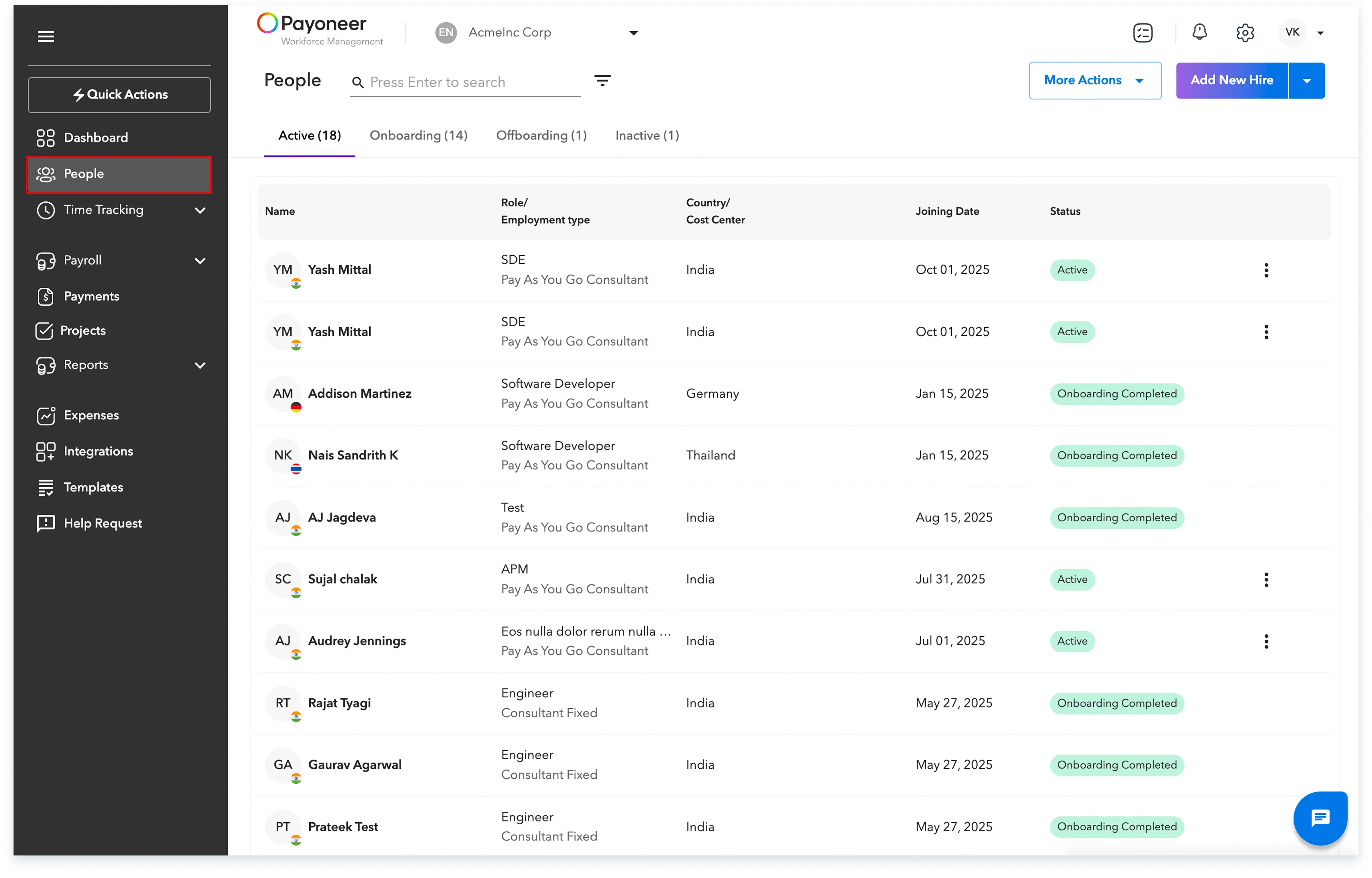
Begin by logging into the Payoneer WFM platform using your credentials and navigate to the 'People' section from the left navigation bar.
Step-2: Add benefit
Select the specific employee for whom you intend to provide the insurance benefit. Under the Benefits tab, click on Select Benefit Plan

Step-3: Select the Insurance plan
Choose the desired insurance plan from the list of available options and accurately enter all necessary details. You will also have the option to add dependent details and review the insurance premium breakdown.
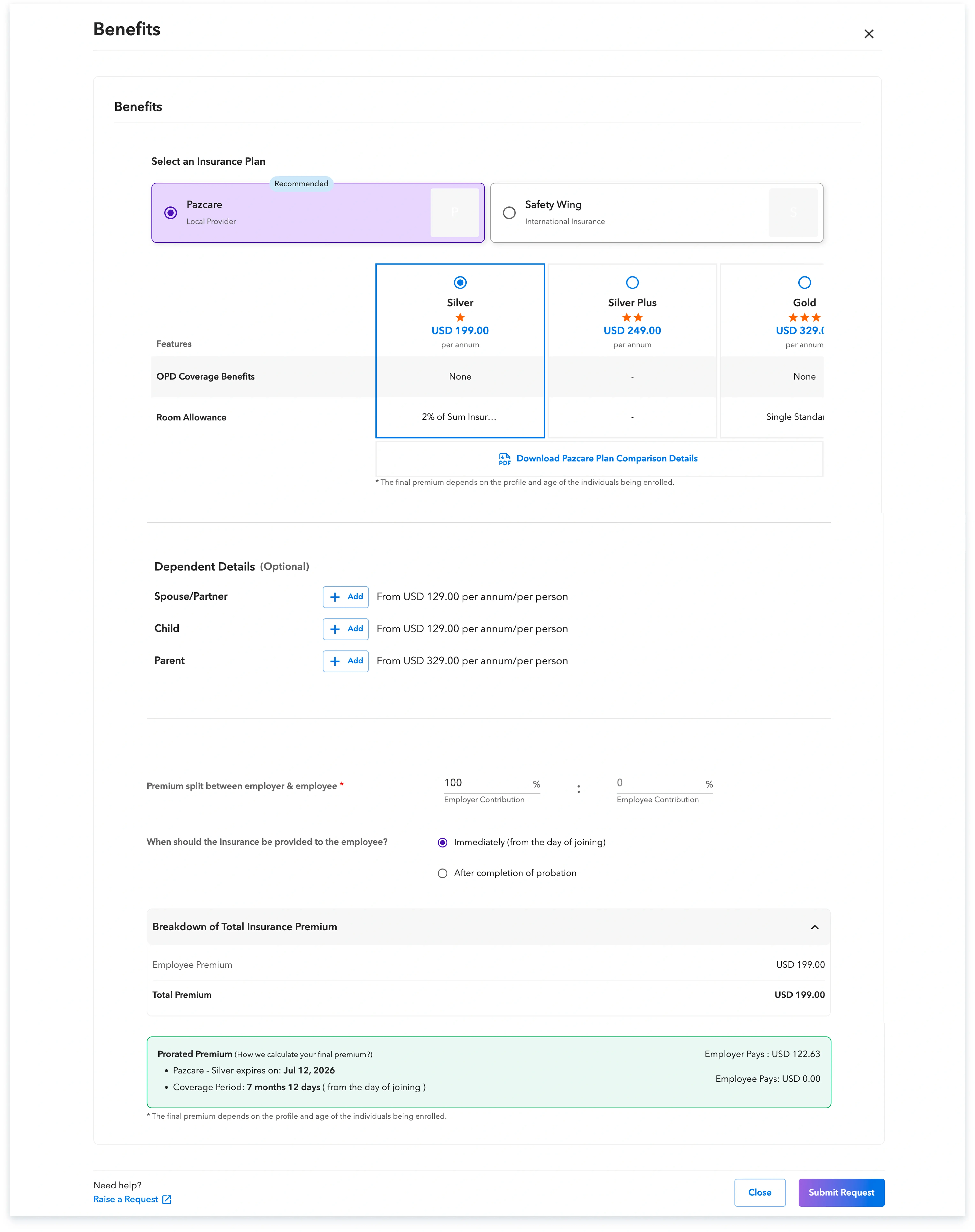
Following these steps will ensure your request for health insurance for an existing team member is submitted correctly.
Global employment, payroll, teams and expansion, simplified.
Request demo