
You can certainly provide private health insurance to your employees by utilizing the New Hire process on the Payoneer WFM platform.
Step 1: Log in to the Payoneer WFM platform and navigate to the ‘People’ section. Click on ‘Add New Hire’.

Step 2: Complete the steps to add a new employee with all the required details.
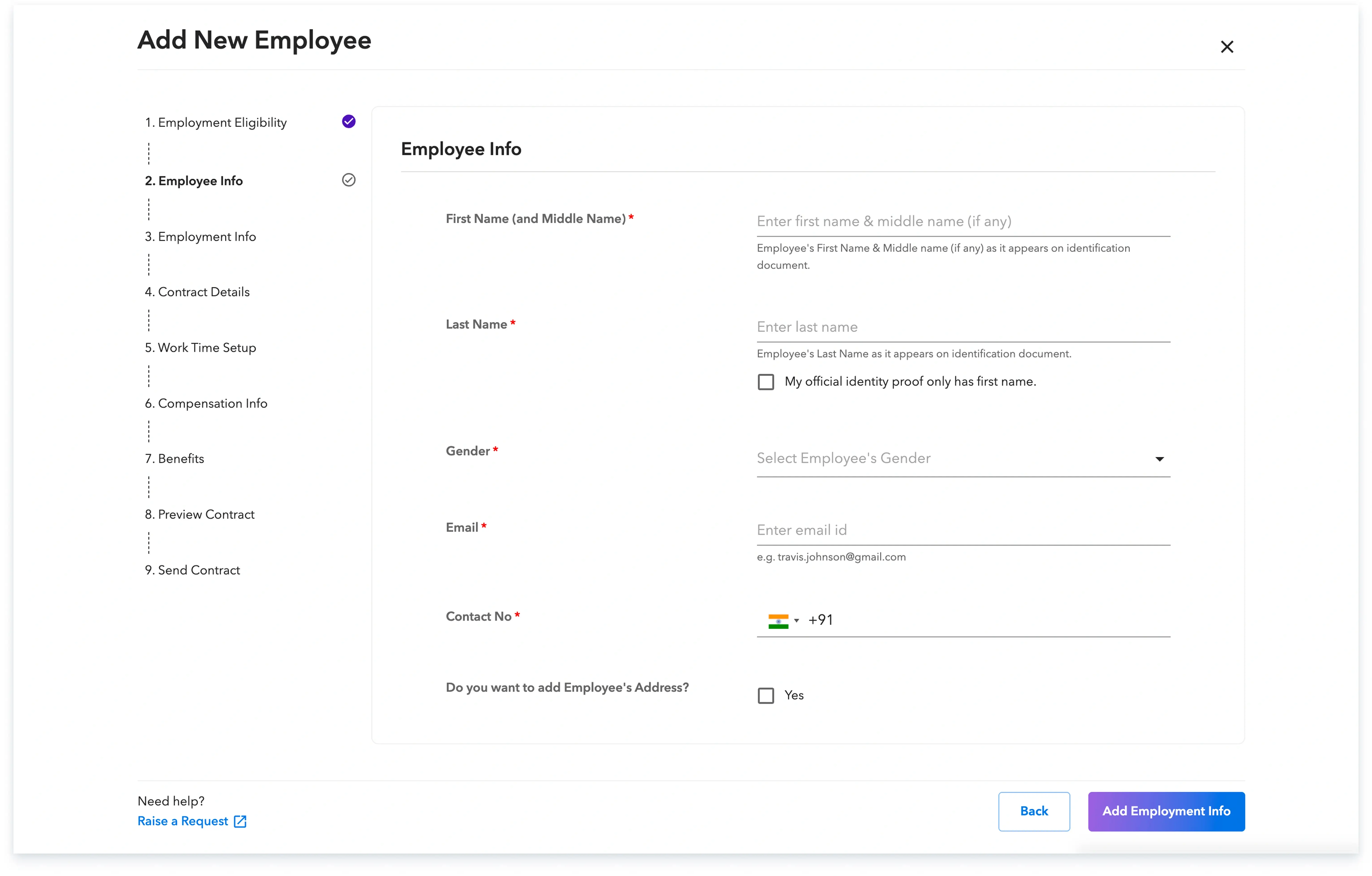
Step 3: Under the benefits section (Step 7 of the new hire process), you can select the desired insurance plans from those available on the platform. Enter the dependent details(If Any) and review the breakdown of the total insurance premium.

Following these steps ensures that your new employees are promptly set up with the private insurance benefits you wish to offer.
Global employment, payroll, teams and expansion, simplified.
Request demo