How will I know how many expenses are paid to me this cycle?
To track which expenses have been successfully processed for payment, please follow these steps:
Log in to the Payoneer WFM platform using your credentials.
Click on your profile icon to access your personal account settings.
Select the "Expenses" option from the profile menu.
Navigate to the "Reimbursed" tab to view a detailed history of all finalized payments.
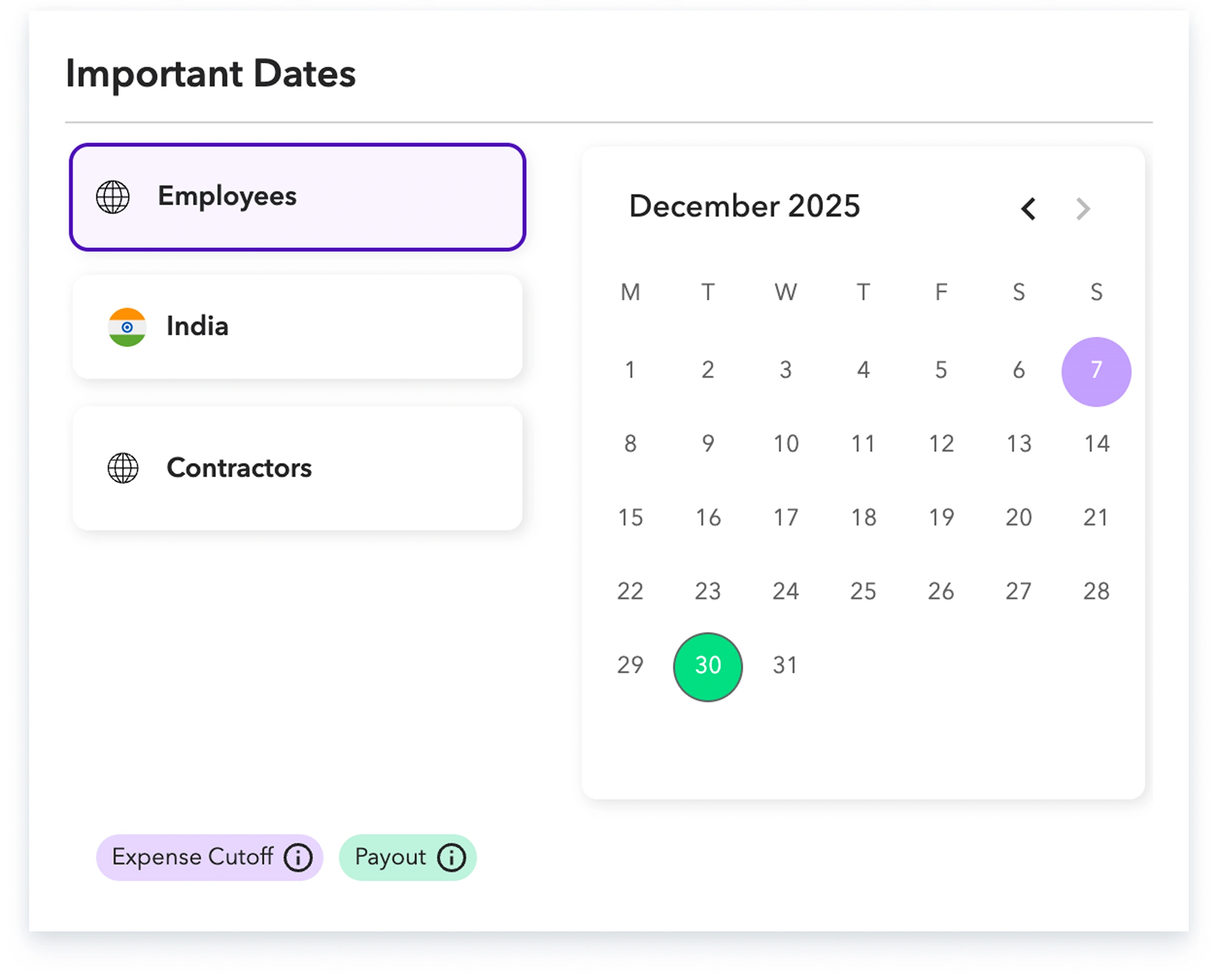
Review the country-specific cutoff dates, as only expenses approved by your manager within the current cycle's window will be included in your upcoming reimbursement.
Please note that any expenses approved after your country's specific cutoff date will be automatically processed in the following reimbursement cycle.