
You can efficiently pay all your contractors simultaneously using the Bulk Pay feature within the Payoneer WFM platform.
1. Log in to the Payoneer WFM platform and navigate to the Payments tab.
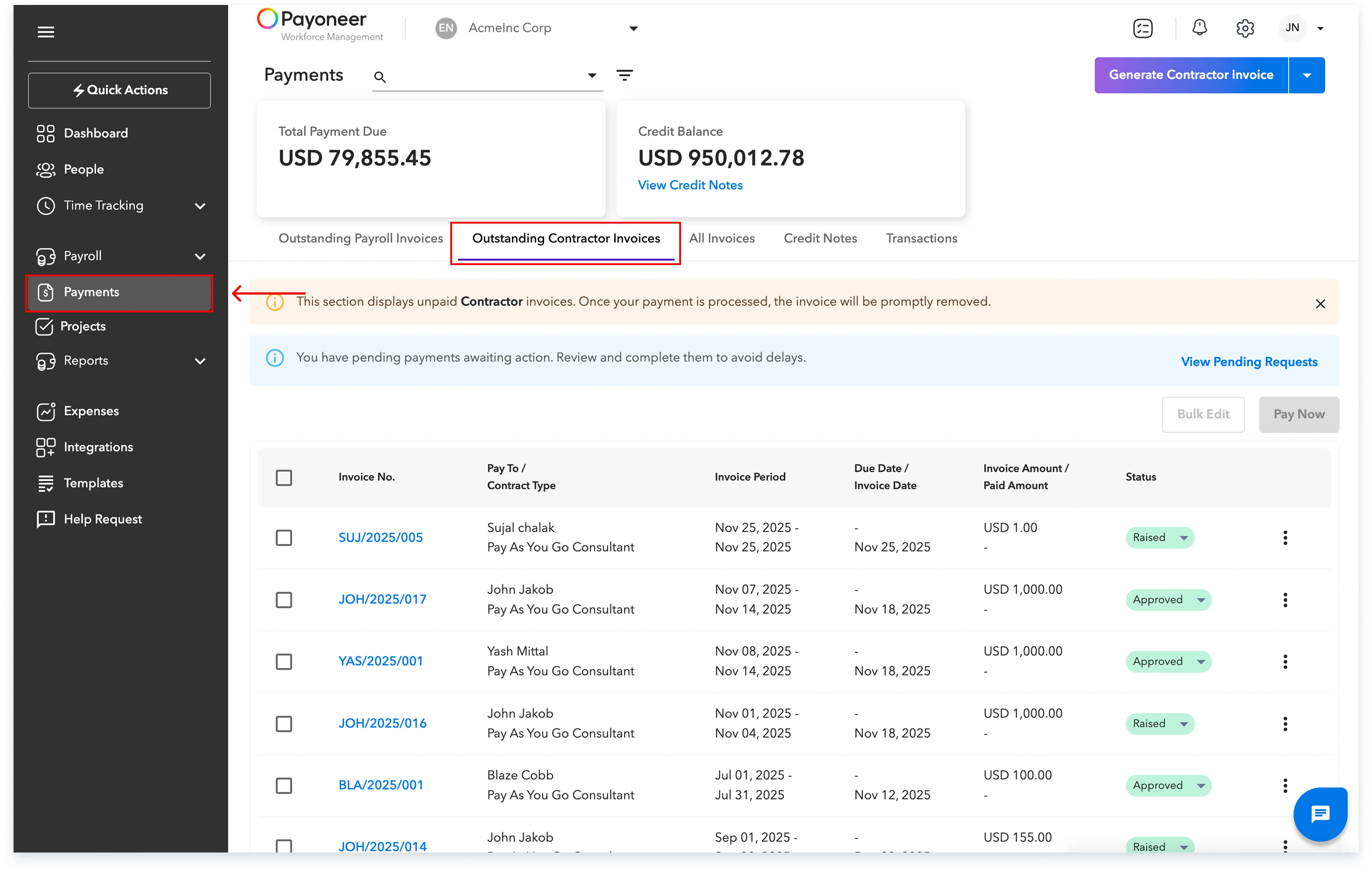
2. Go to the Outstanding Contractor Invoices and select the contractors you want to pay and click on Pay Now.

3. Go through the Invoice Summary and Choose Credit Notes.

4. Select your desired Payment method, either Direct Debit or Auto debit, and then select Make Payment.

5. Select Confirm Payment.

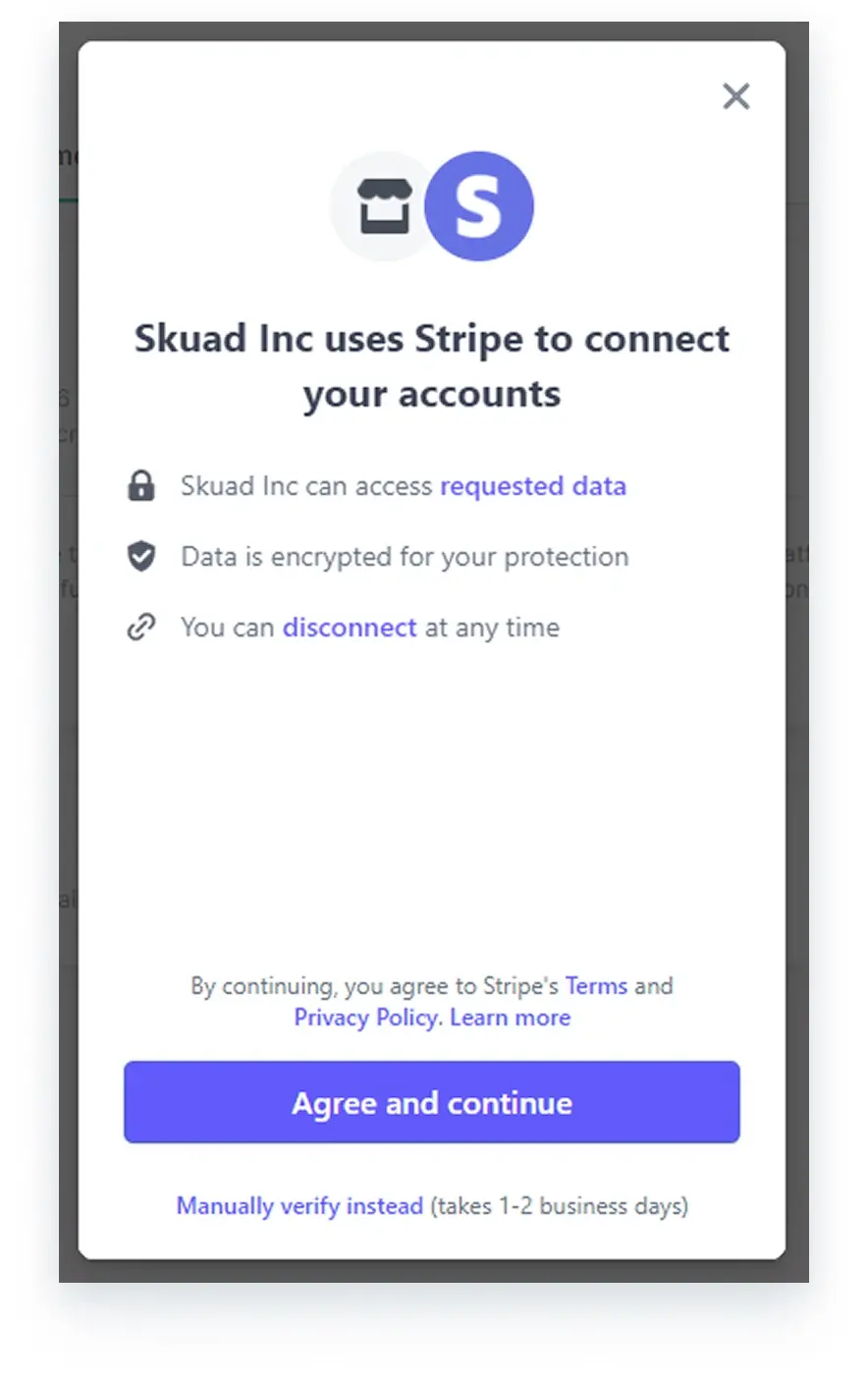
6. Use the Stripe platform to log it into your bank account and set up payment.
Once you complete these steps, your bulk payment will be successfully processed.
Global employment, payroll, teams and expansion, simplified.
Request demo