
You can easily add a new payout method by navigating through your profile settings and submitting the required details.
Step-1:
Log in to the Payoneer WFM platform. Navigate to Payment Methods under "My Profile".

Step-2:
To submit a new payment method request other than the ones which are available, simply click on Add Details for Other Account.
Enter the specific details for the new payment method and save the payment details
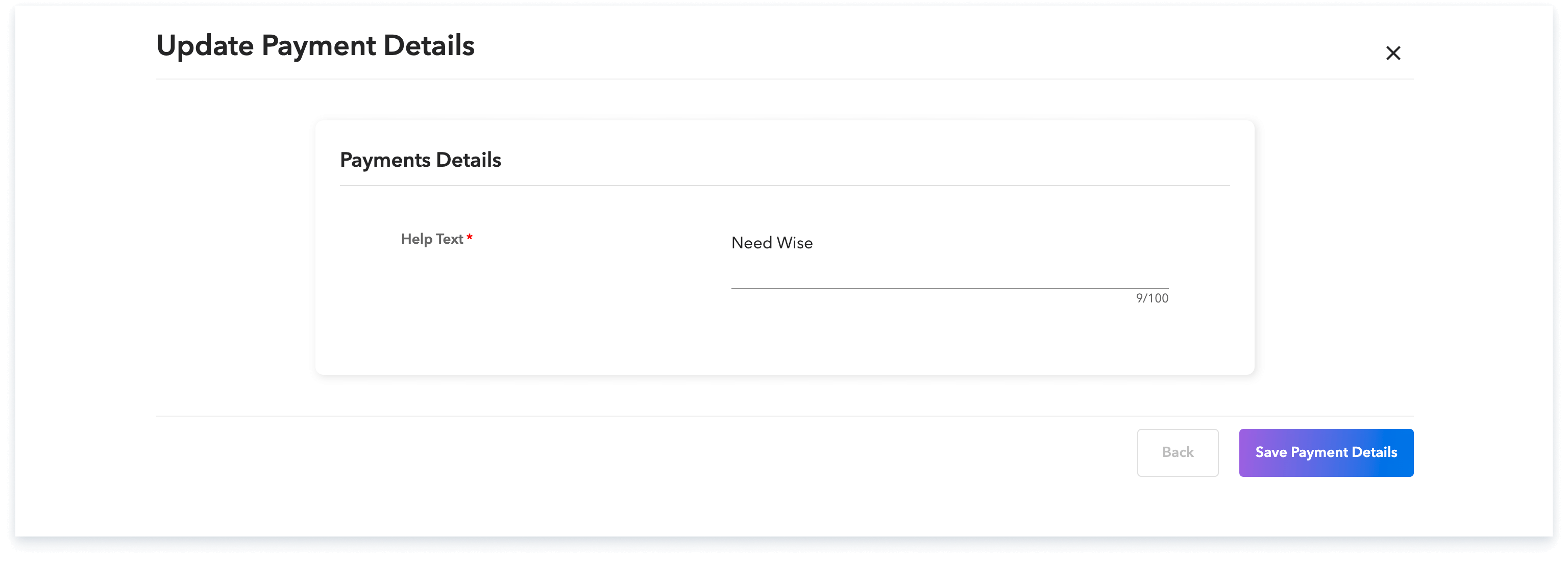
Step-3:
Once saved, a new help request is automatically created, and our team will promptly guide you through the process.
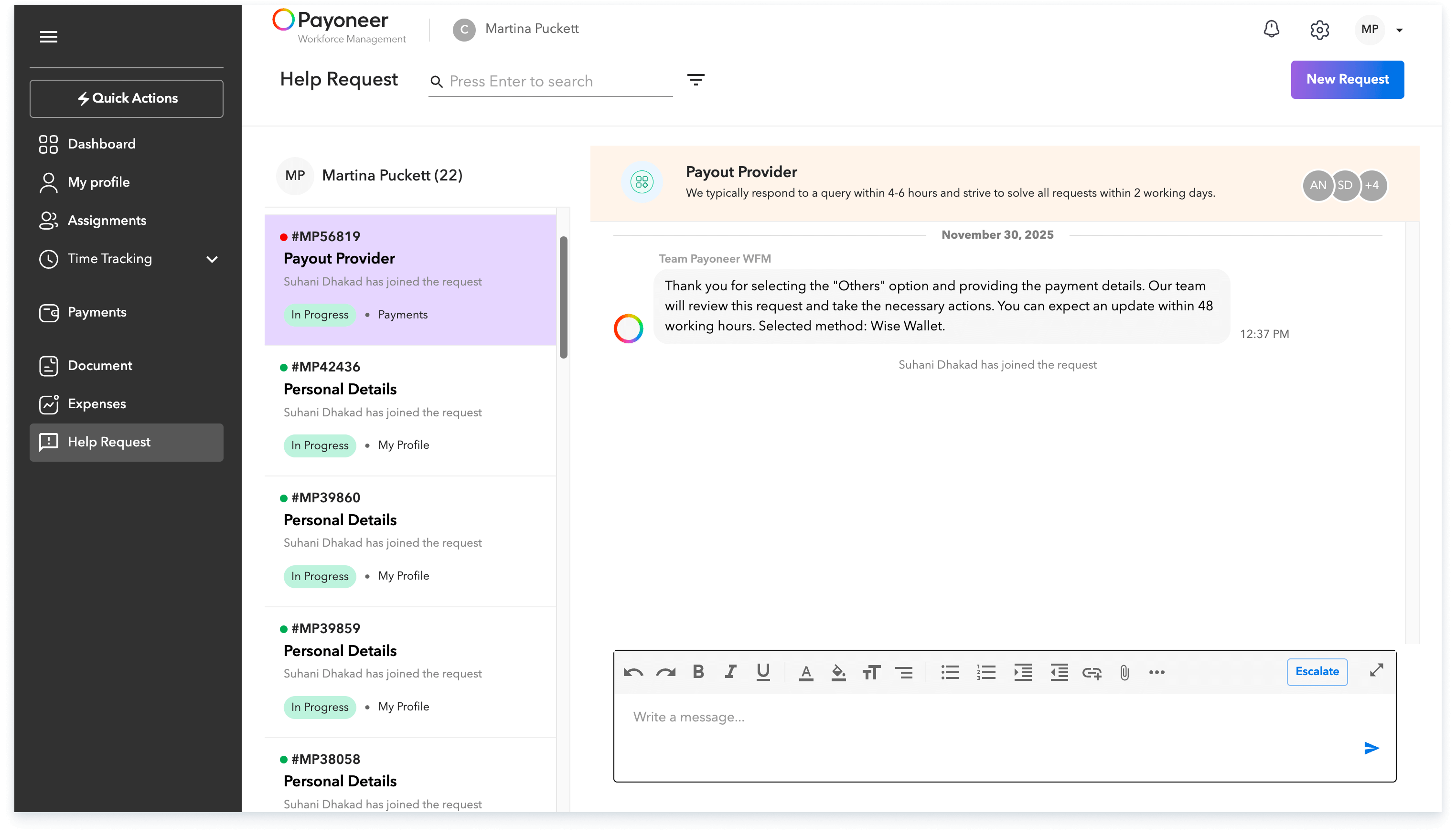
This seamless process ensures your new payout method is securely set up and verified.
Global employment, payroll, teams and expansion, simplified.
Request demo