
You can easily update your personal information by following a few simple steps within your profile settings on the Payoneer WFM platform.
Step-1:
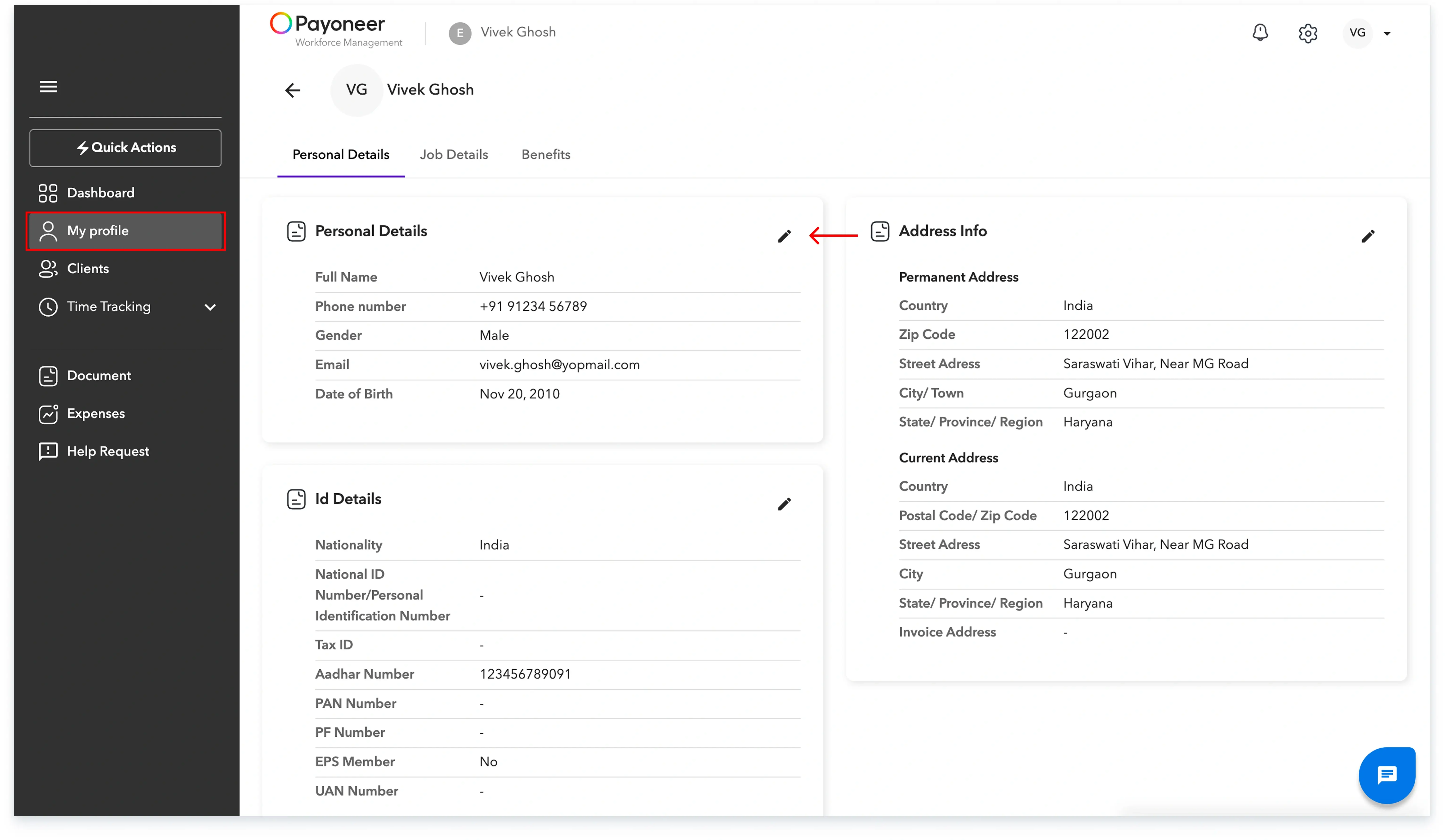
Log in to the Payoneer WFM platform and Navigate to the "My Profile" tab.
Click on the edit icon against "Personal Details"
Step-2:
Update the specific detail you wish to edit, such as your phone number, Date of Birth (DOB), or gender and click "Update" to confirm your changes.

Your personal details have now been successfully updated on the platform.
Global employment, payroll, teams and expansion, simplified.
Request demo