
You can request device support for an existing team member by utilizing the 'Help Request' option within the Payoneer WFM platform to submit your specific needs.
Step-1
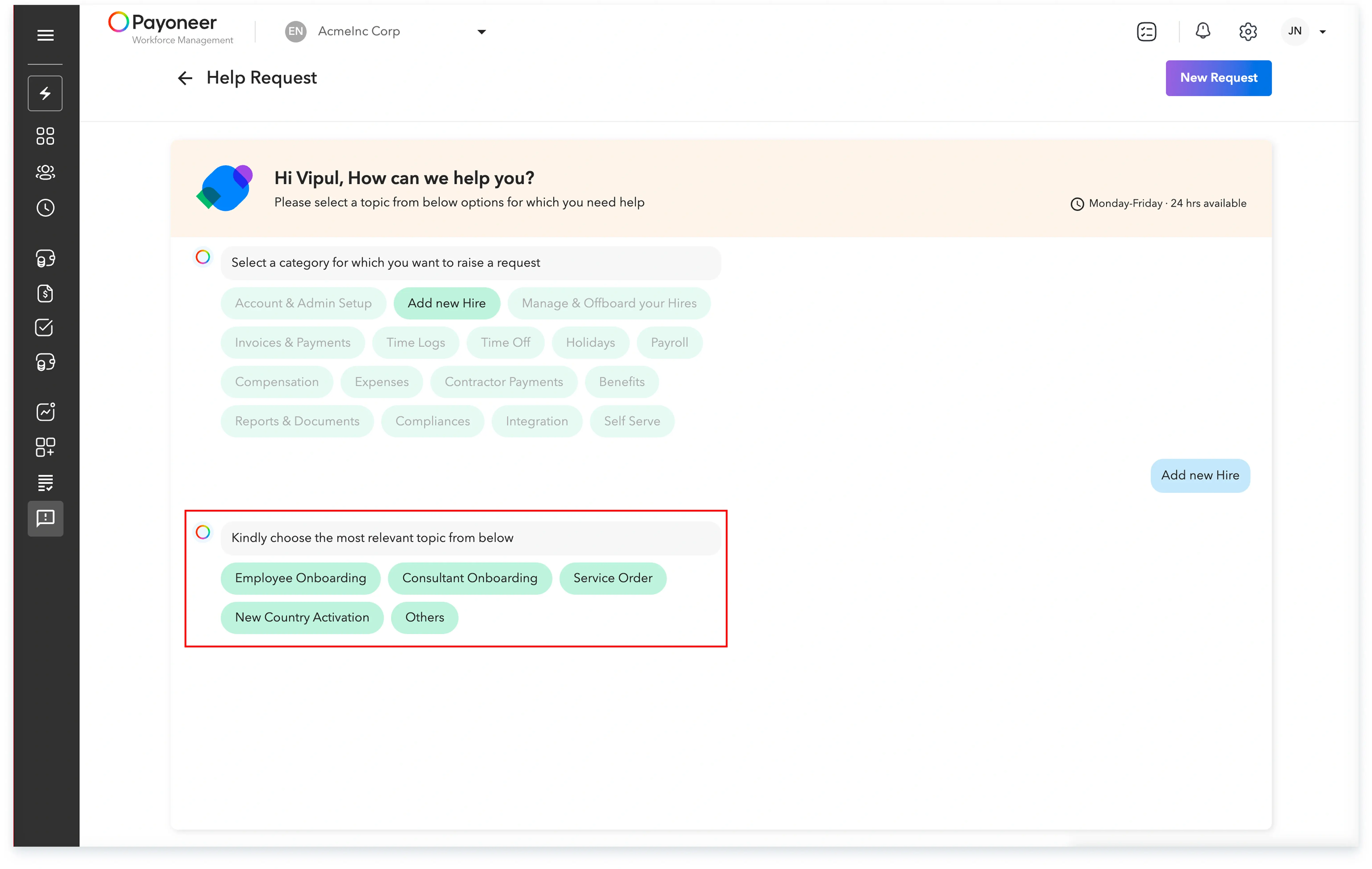
Log into the Payoneer WFM platform. Navigate to ‘Help Request’ and select the ‘New Request’ option. Then, select the specific category for which you want to raise the request.

Step-2
Choose the sub-category that is relevant to your chosen category.
Step-3
Input the required details, such as selecting the specific employee for whom the device support is being requested.
Step-4

By following these steps, your request for device support will be efficiently submitted through the Payoneer WFM platform.
Global employment, payroll, teams and expansion, simplified.
Request demo