
Step-1:
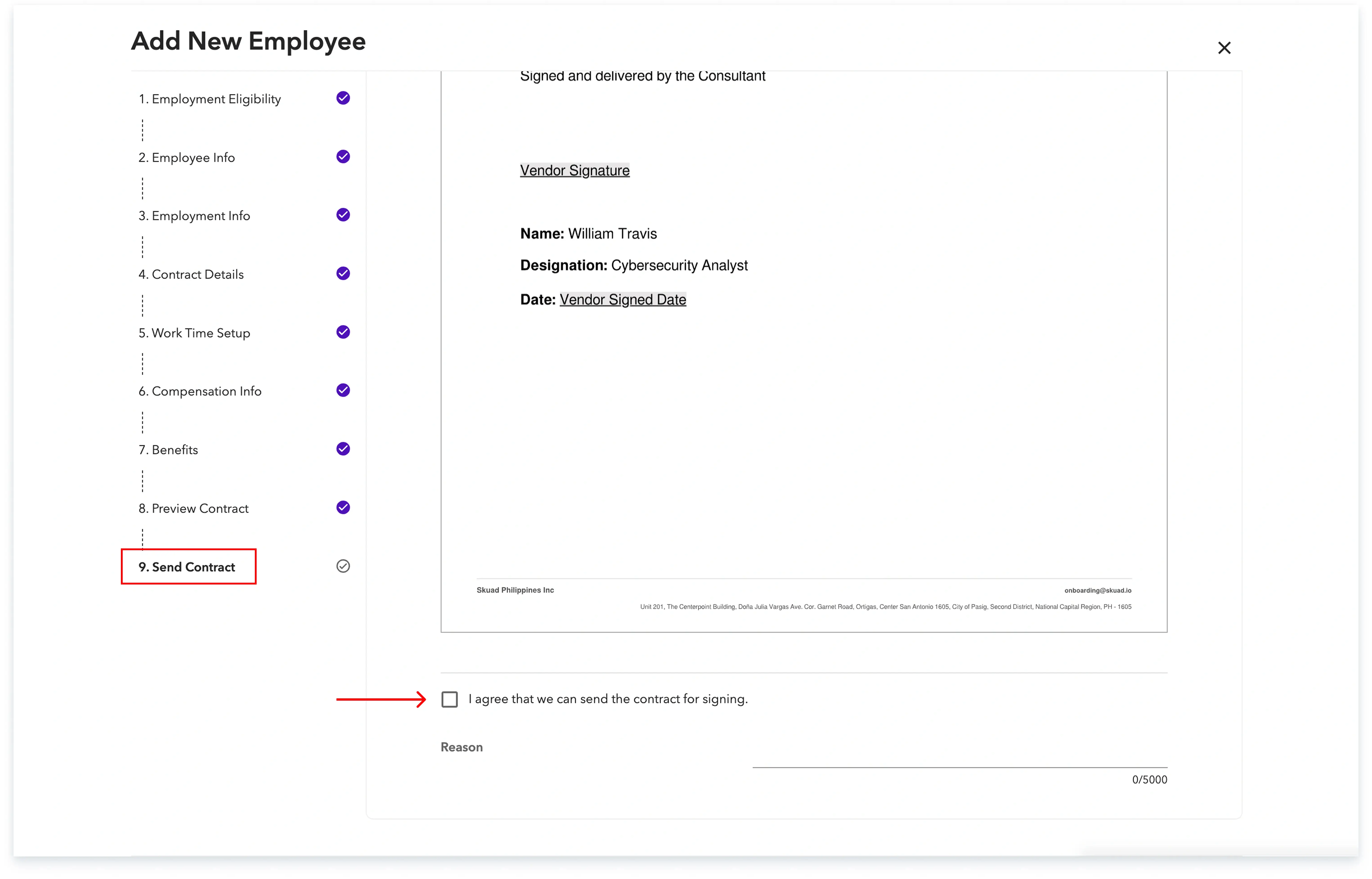
Log into the Payoneer WFM platform. Complete the onboarding of the employee you are contracting. Proceed to the final step of reviewing the contract. Here, uncheck the bottom check box. Mention the specific edits you require under the 'Reason Section' located at the bottom of the page.
Step-2:
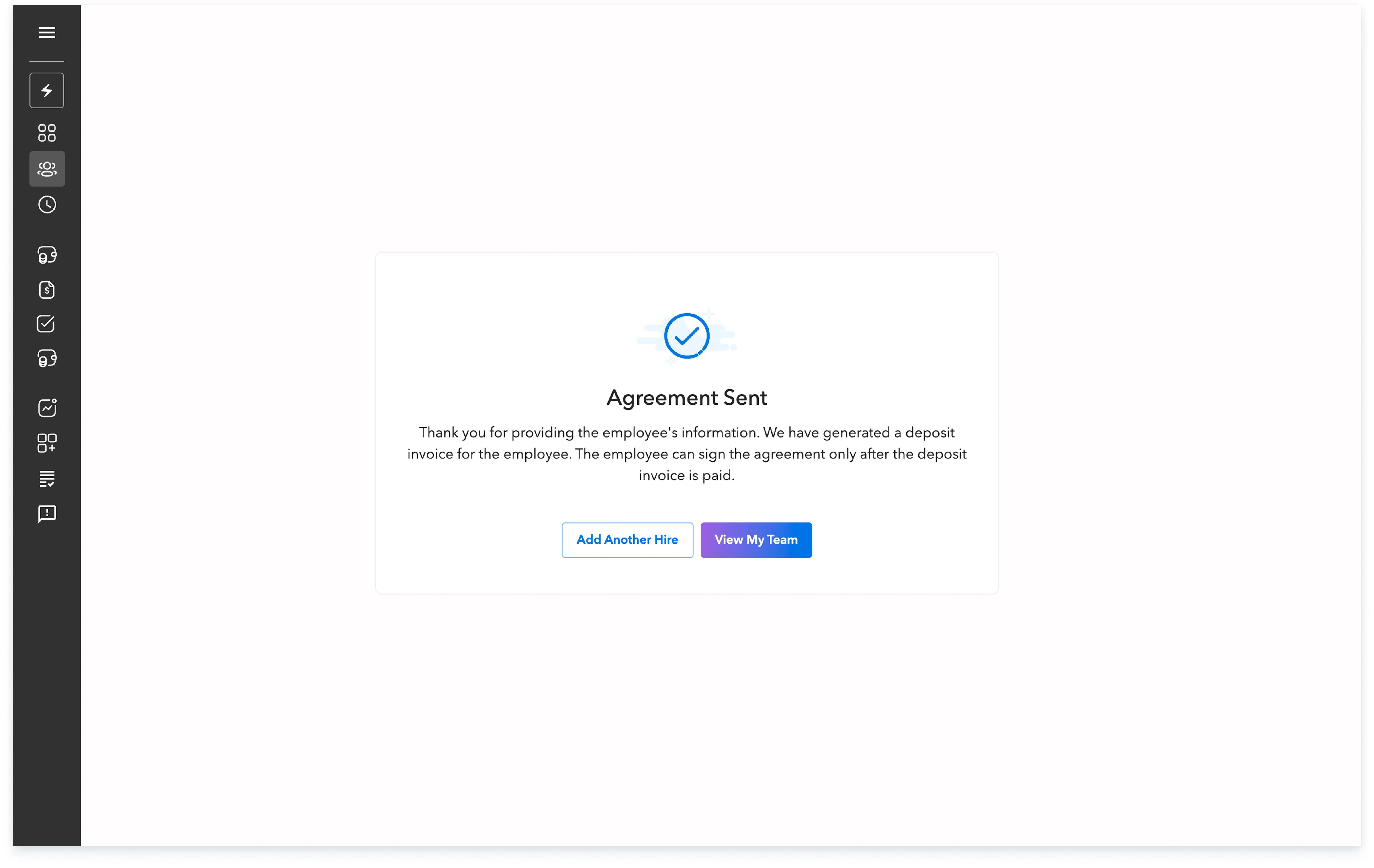
Once your request is submitted, a Customer Success Manager will contact you shortly regarding the requested amendments.
Global employment, payroll, teams and expansion, simplified.
Request demo