
Setting up your Payoneer Wallet is a straightforward process that securely links your account to our platform, allowing you to receive your payments efficiently.
Step-1: First, you will need to log in to the Payoneer WFM platform.Navigate to your Account Settings and select the Payments tab.
Step-2: Within the available payment methods, locate the Payoneer Wallet option and click on the Sign In button.
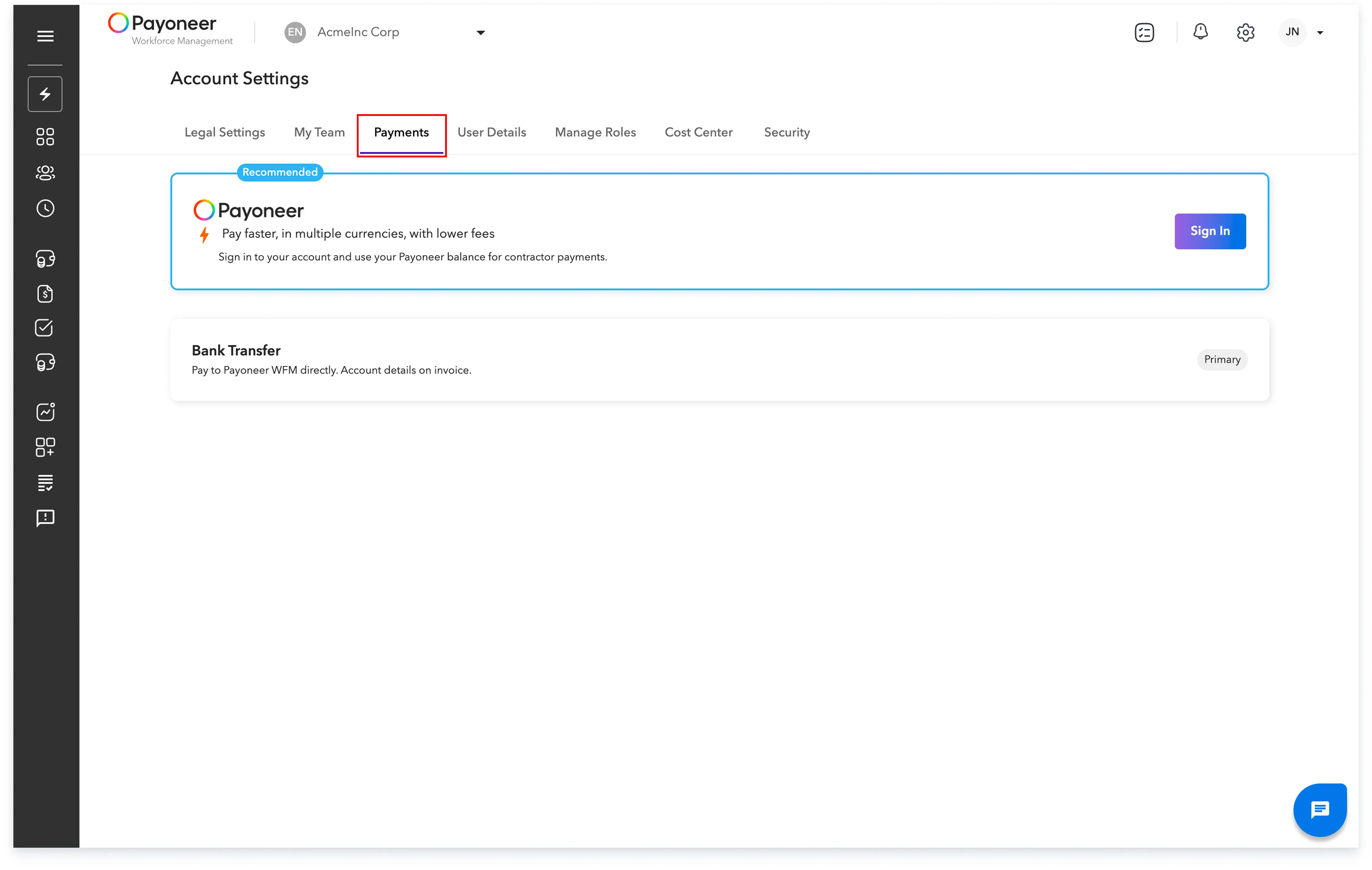
You will be securely redirected to the Payoneer portal where you must enter your Payoneer account username and password to complete the login and authorization.
Your Payoneer Wallet is now linked and successfully configured as your designated payment method for receiving funds.
Global employment, payroll, teams and expansion, simplified.
Request demo