
As an employee, you can add your time logs in two easy ways:
Option 1: Drag & Drop (Quick)
Step 1: Go to the Time Logs from the left navigation bar under time tracking

Step-2 : Click and hold your cursor at the start time, then drag down to your end time.
Step 3: A pop-up appears with your times already filled in. Enter your task name.
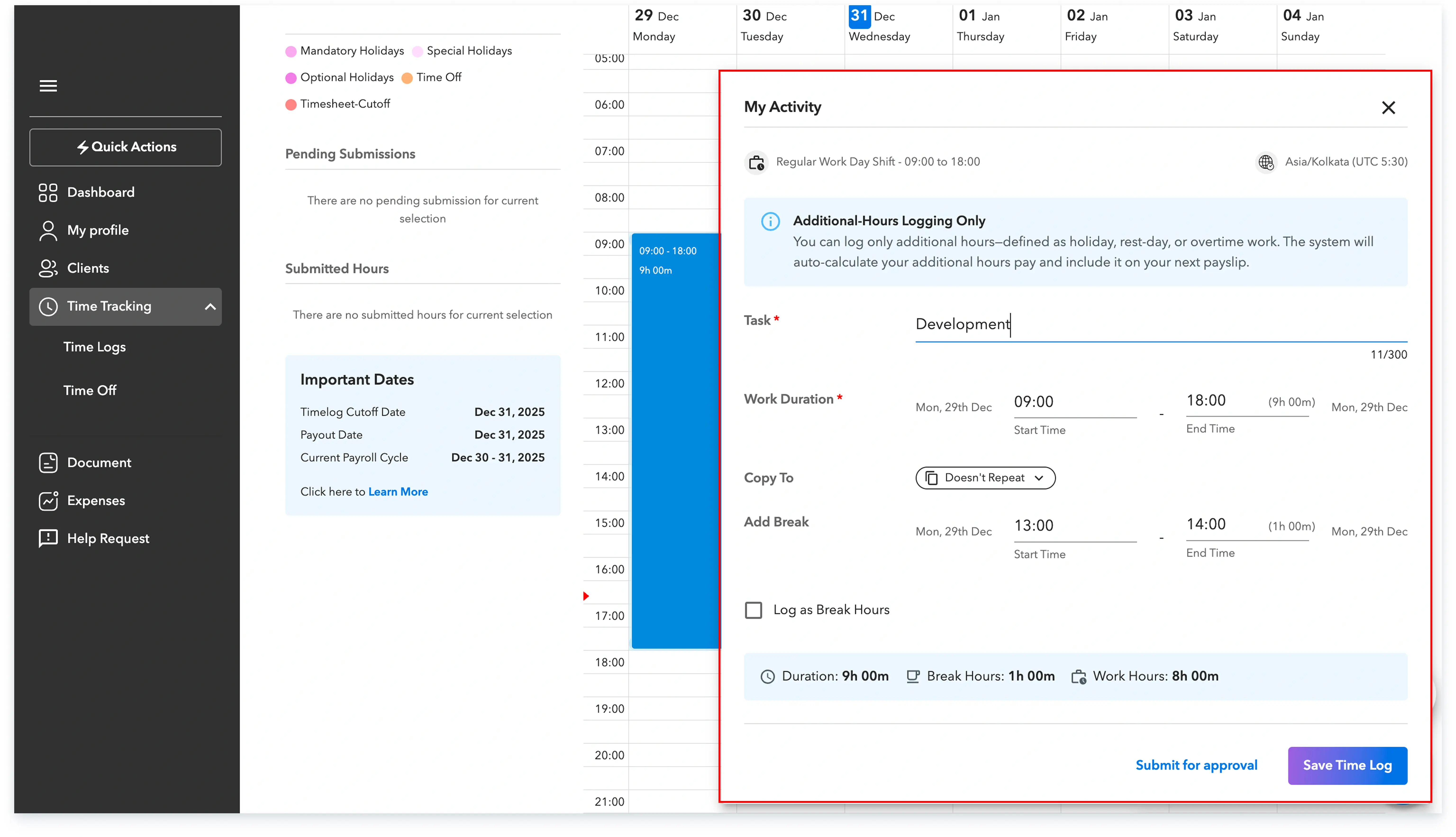
Step-4: To replicate the same Time span to other days in the calendar use Copy to and select one of the following options from the dropdown -


Step-5: Click on either save time log or you can directly submit it for approval from here
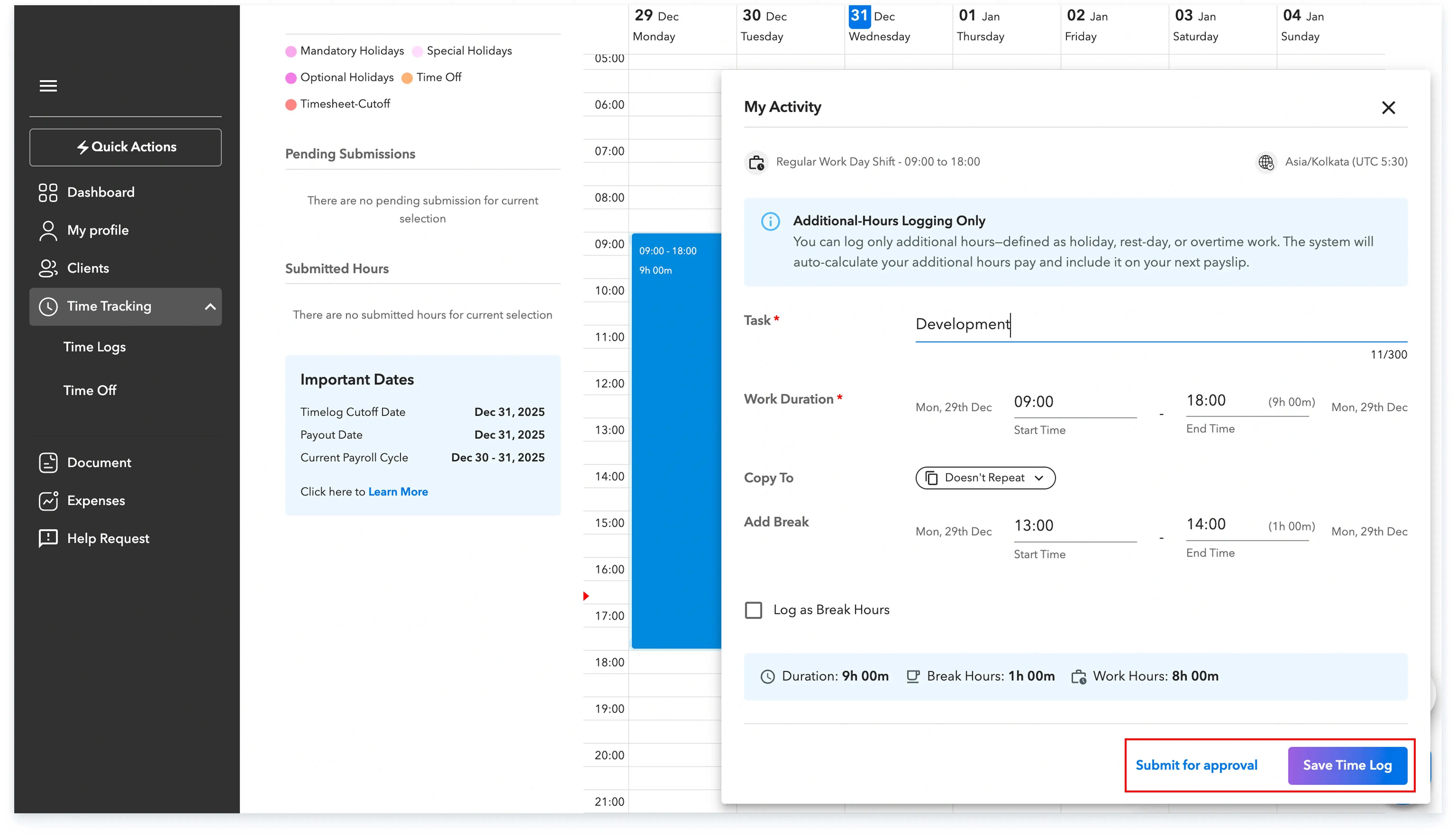
Step-6: Once Saved the time log will appear under pending submission section on the left. You can also view this same time log under the pending submissions tab from top. You can further submit the time log from either way.


Global employment, payroll, teams and expansion, simplified.
Request demo