
Setting up your company profile is a straightforward process that allows you to begin managing your global workforce immediately.
Step 1: Log in to the Payoneer WFM platform using your credentials and click on 'Start Adding Details' to initiate the profile setup.

Step 2: Accurately fill in all required company details in the designated fields.
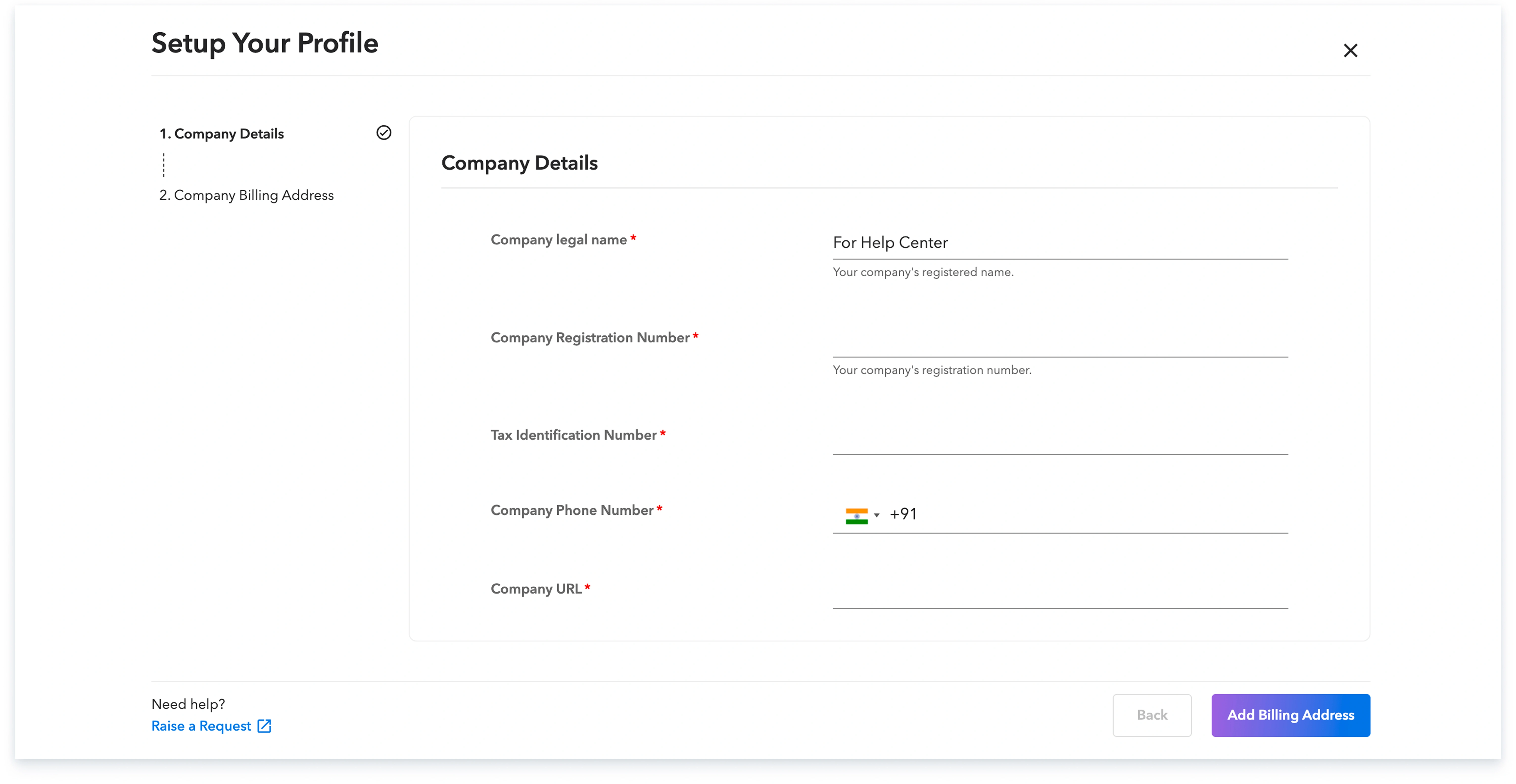
Step 3: Provide your company's billing address and click "Setup Payment" to finalize the process.

Once your Company Profile is fully set up, you will be able to immediately start adding and onboarding your employees and contractors.
Global employment, payroll, teams and expansion, simplified.
Request demo