
You can easily access and review the details of your contract by navigating through the client management section of the platform.
Step-1
Log into the Payoneer WFM platform and Navigate to the Clients section using the left navigation bar.Select and click on the specific client whose contract details you wish to view.
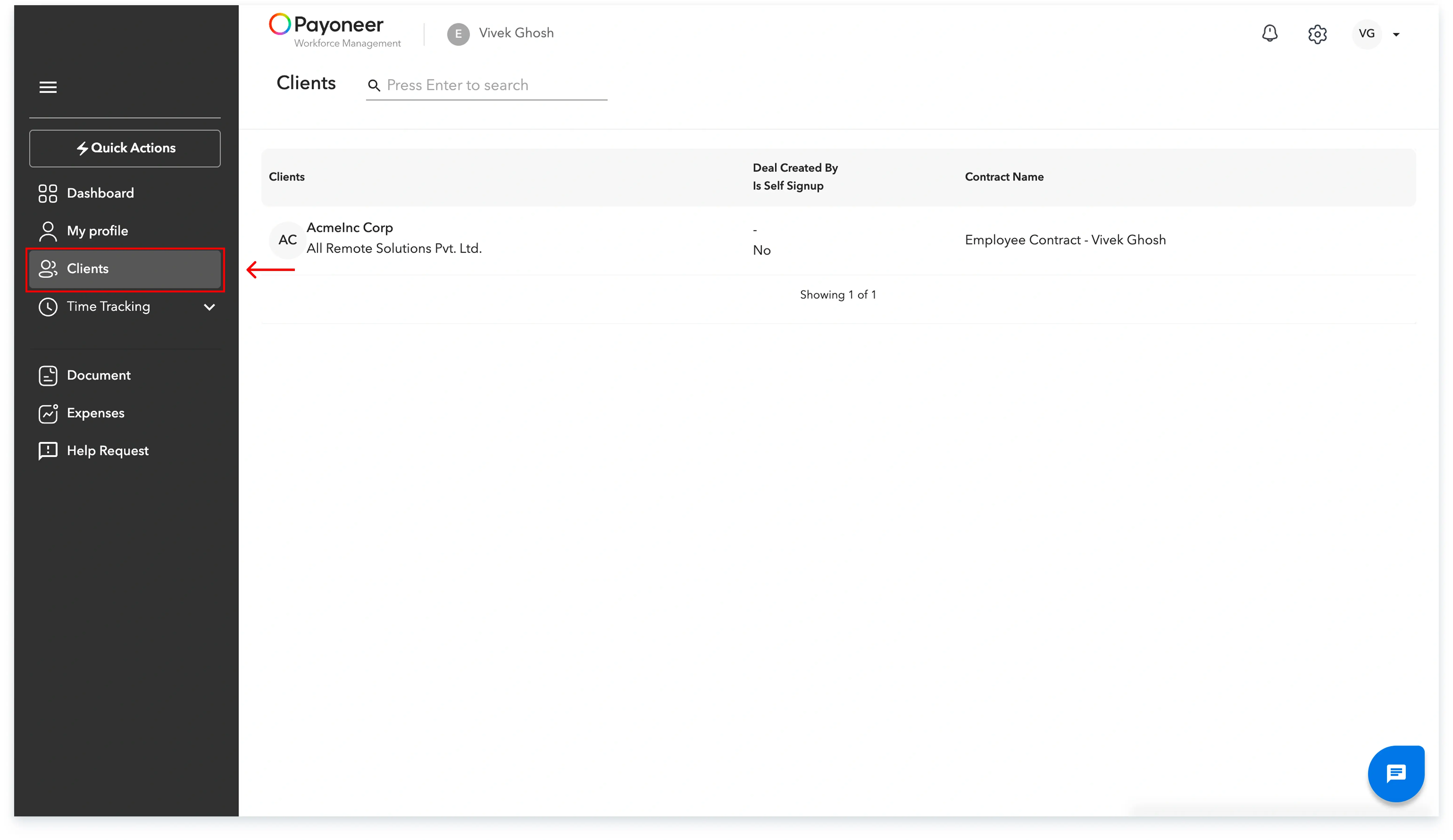
You can now view your contract details

Global employment, payroll, teams and expansion, simplified.
Request demo