
You can easily update your account password on the Payoneer WFM platform to enhance your account security.
Step-1:
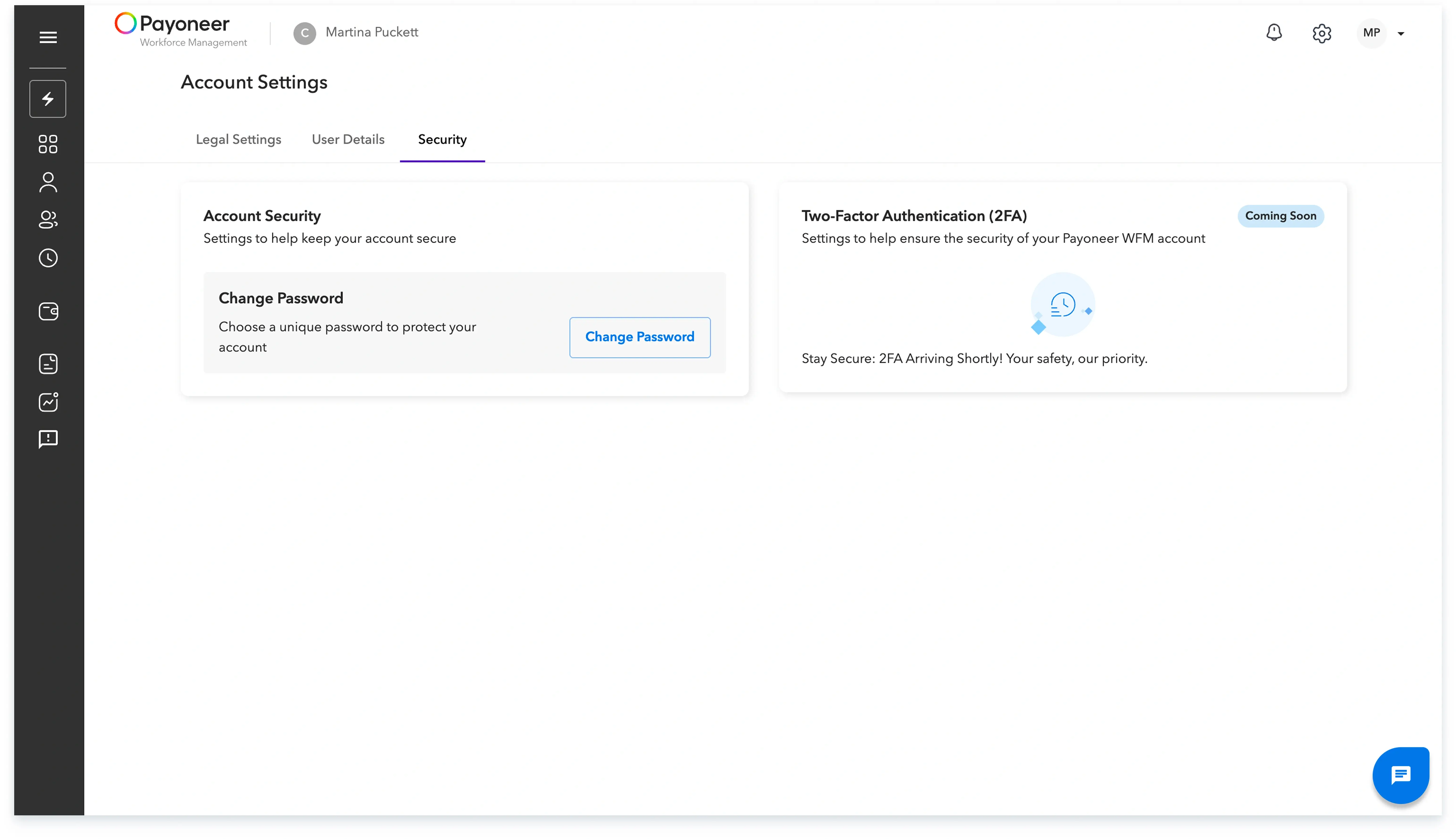
Log in to the Payoneer WFM platform and Navigate to Account setting from top right

Step-2:
Within your settings, select the Security tab.Click on the Change password option.
A unique password reset link will be sent to your registered email address; open the email and follow the provided instructions to finalize your new password.
Global employment, payroll, teams and expansion, simplified.
Request demo