
You can easily update your account details to include a secondary email address within the platform.
Step-1:
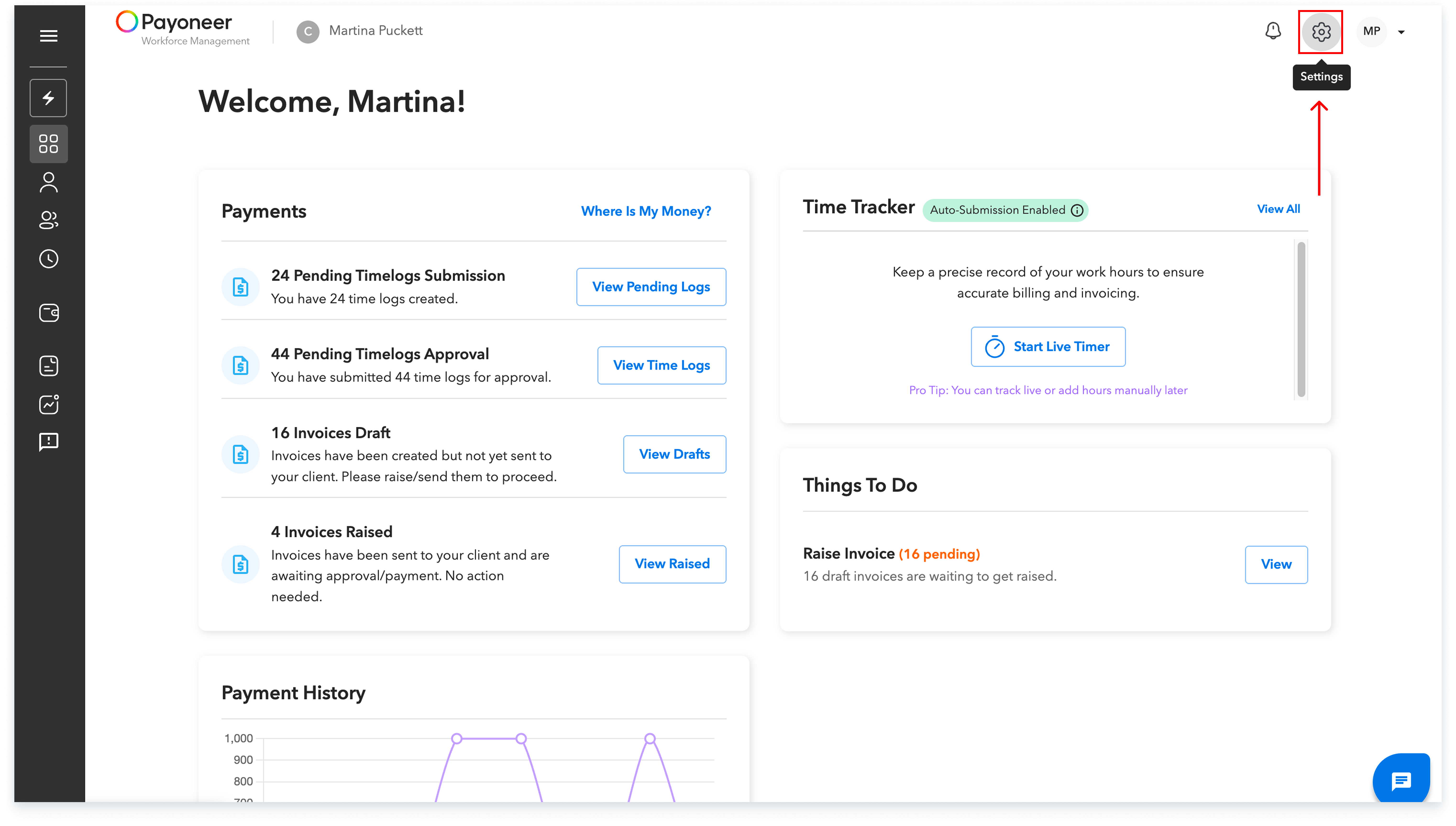
Log in to the Payoneer WFM platform and Navigate to Account setting from top right
Step-2:
In the Account Settings area, proceed to the User Detail tab.Within the User Detail section, locate and click the “Add Email” option.
.png)
Step-3:
Enter the secondary email. Please note that after you have added the email, a verification link will be sent to this secondary email address.
.png)
This process ensures that your secondary email is successfully associated with your account for all necessary communications.
Global employment, payroll, teams and expansion, simplified.
Request demo