
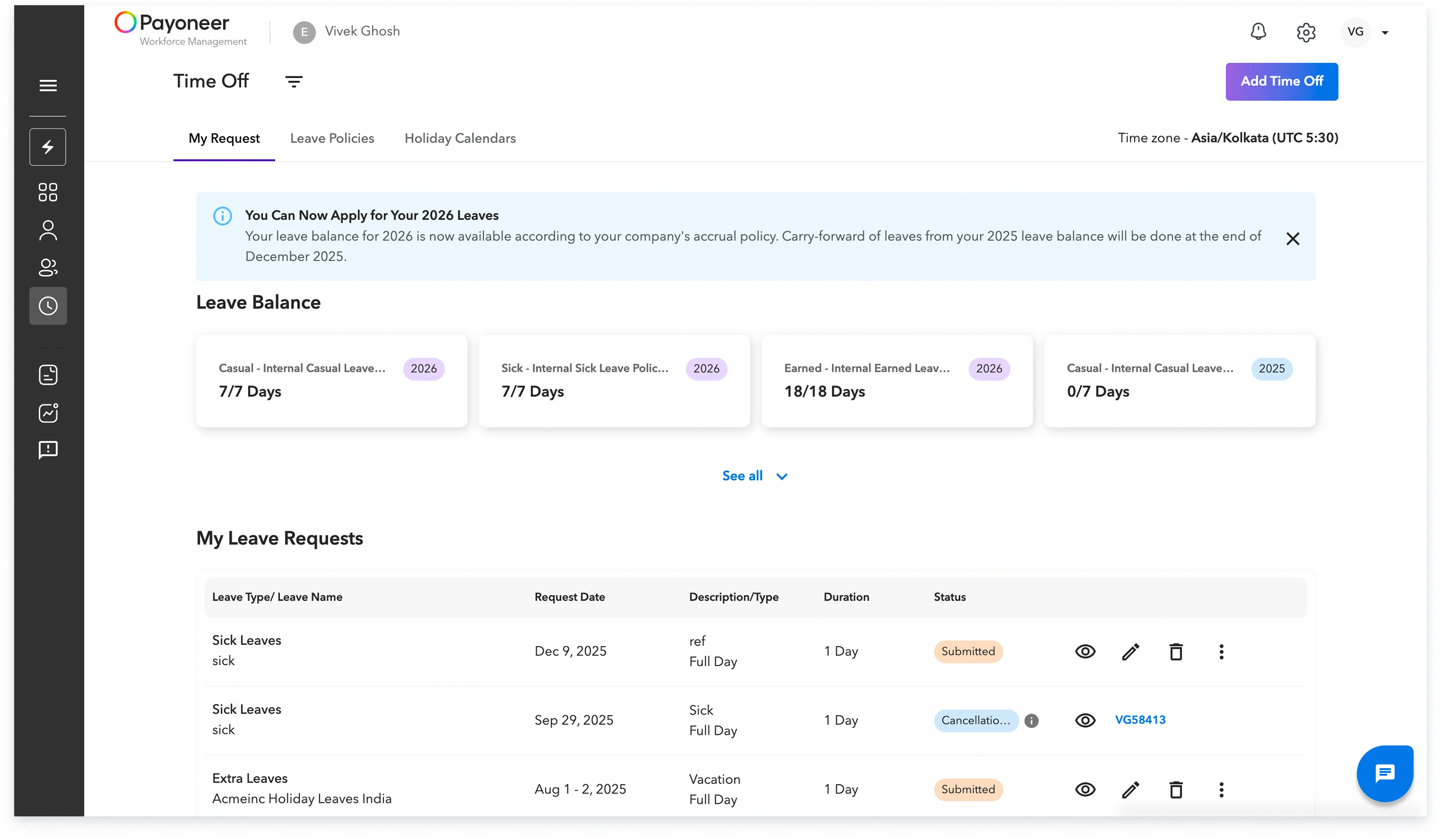
Step 1: Navigate to the ‘Time Tracking’ section and click on ‘Add Time Off’. Here, you'll find three headers:
a) ‘My Requests’ - You can apply for leave in this section.
b) ‘Leaves’ - View detailed information about leave provided by your employer.
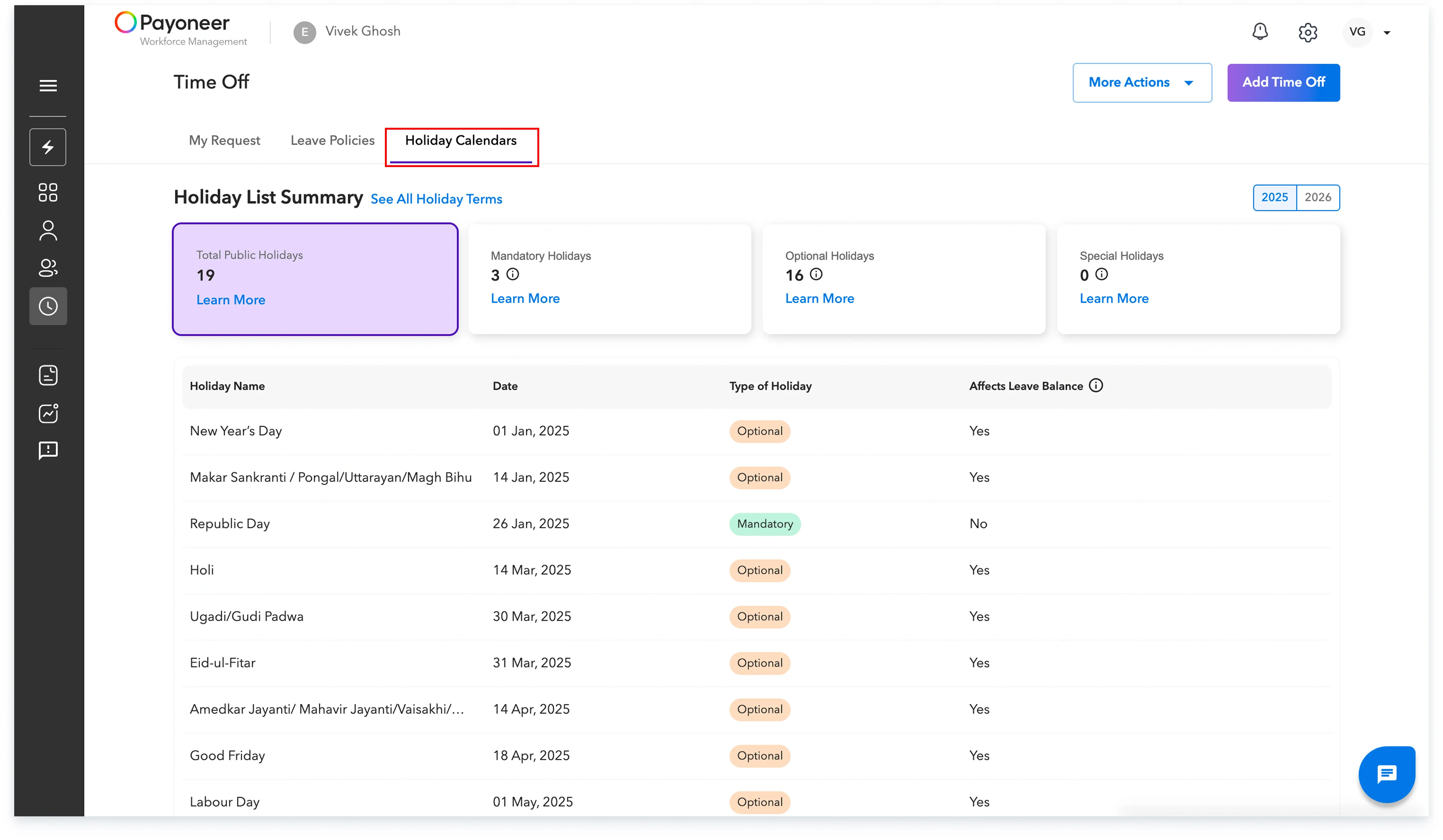
c) ‘Holiday Calendar’ - Access details about the holidays you are entitled to for the current calendar year.
Step 2: Click on ‘Leave Policies’ and you'll see detailed information about the various types of leave policies you can avail.
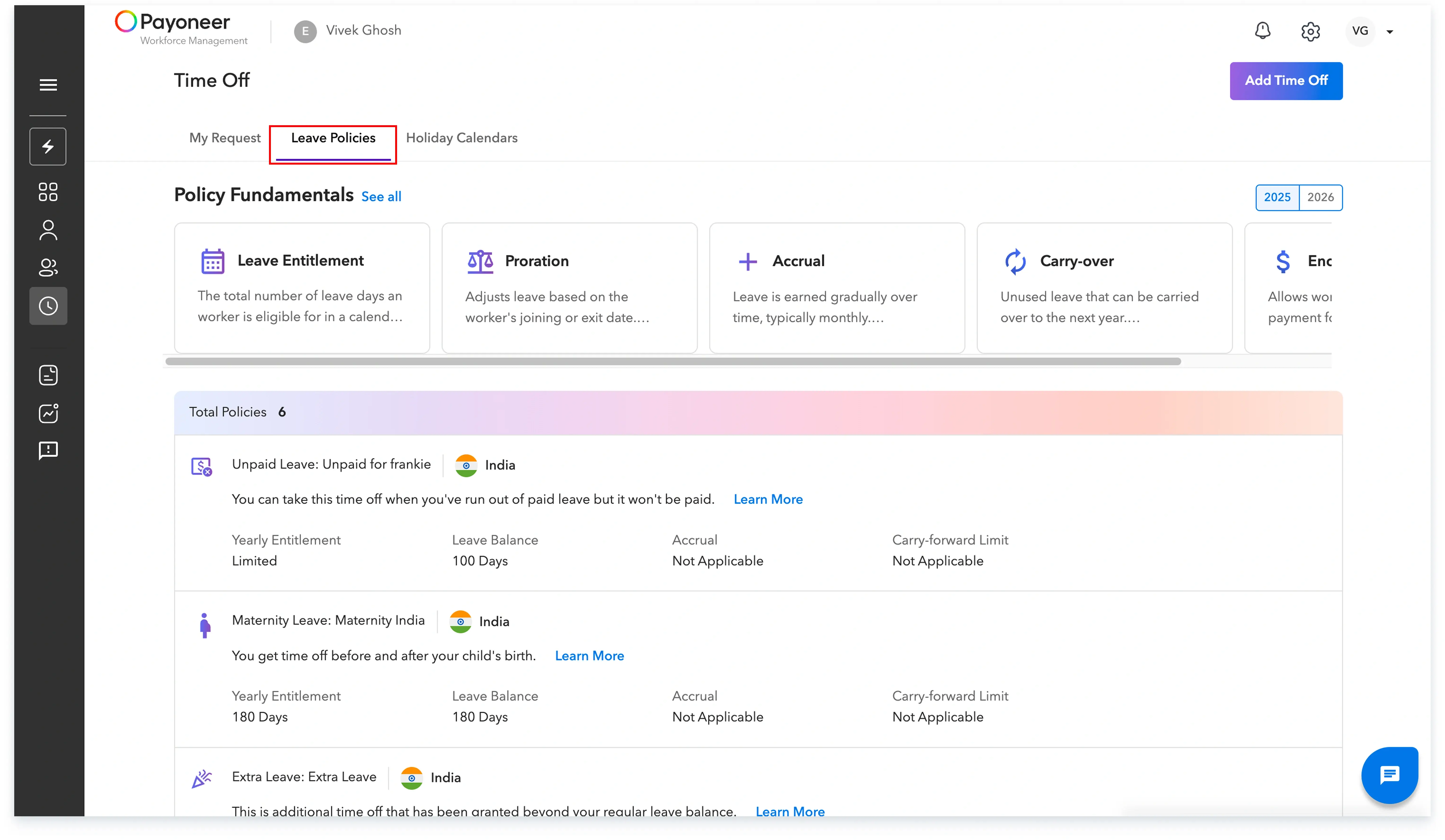
Here on top you can view the policy fundamentals

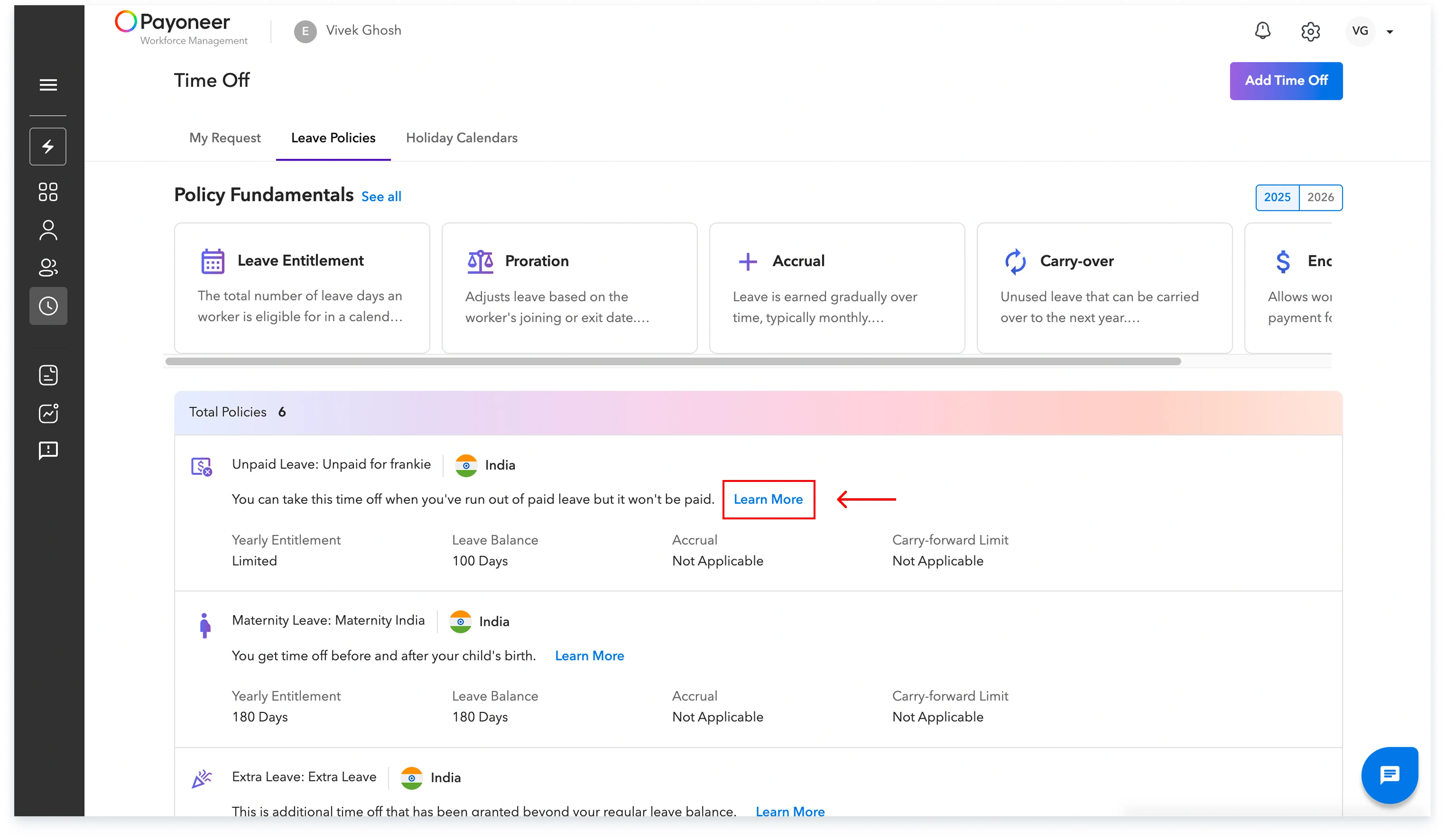
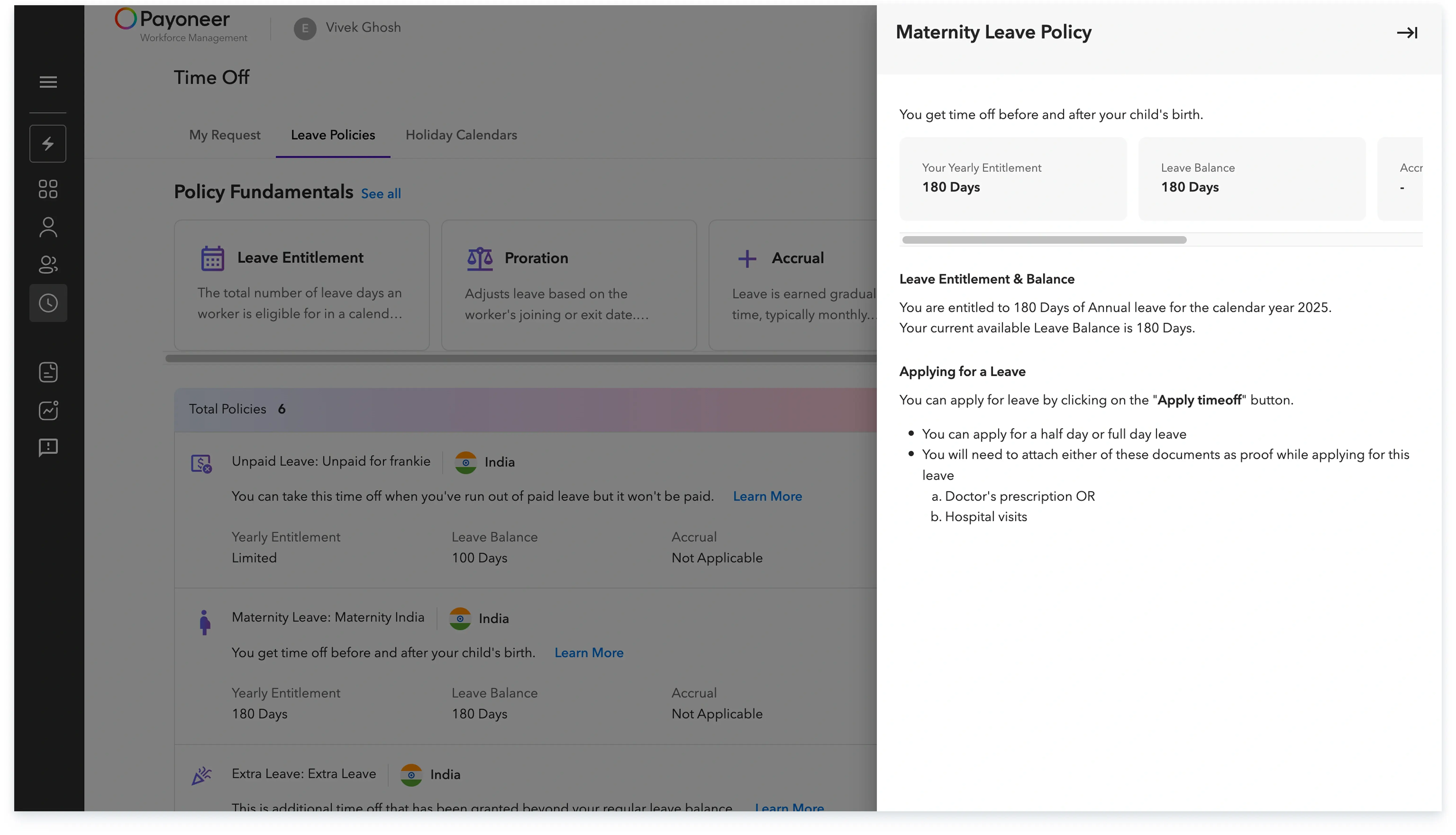
You can further view the details of each policy by clicking on learn more:
Step 3: Next, click on ‘Holiday Calendar’ and click on the ‘Download’ icon to see the list of holidays applicable for you.
Global employment, payroll, teams and expansion, simplified.
Request demo