
You can easily update your bank account details on the Payoneer WFM platform by following a few simple steps.
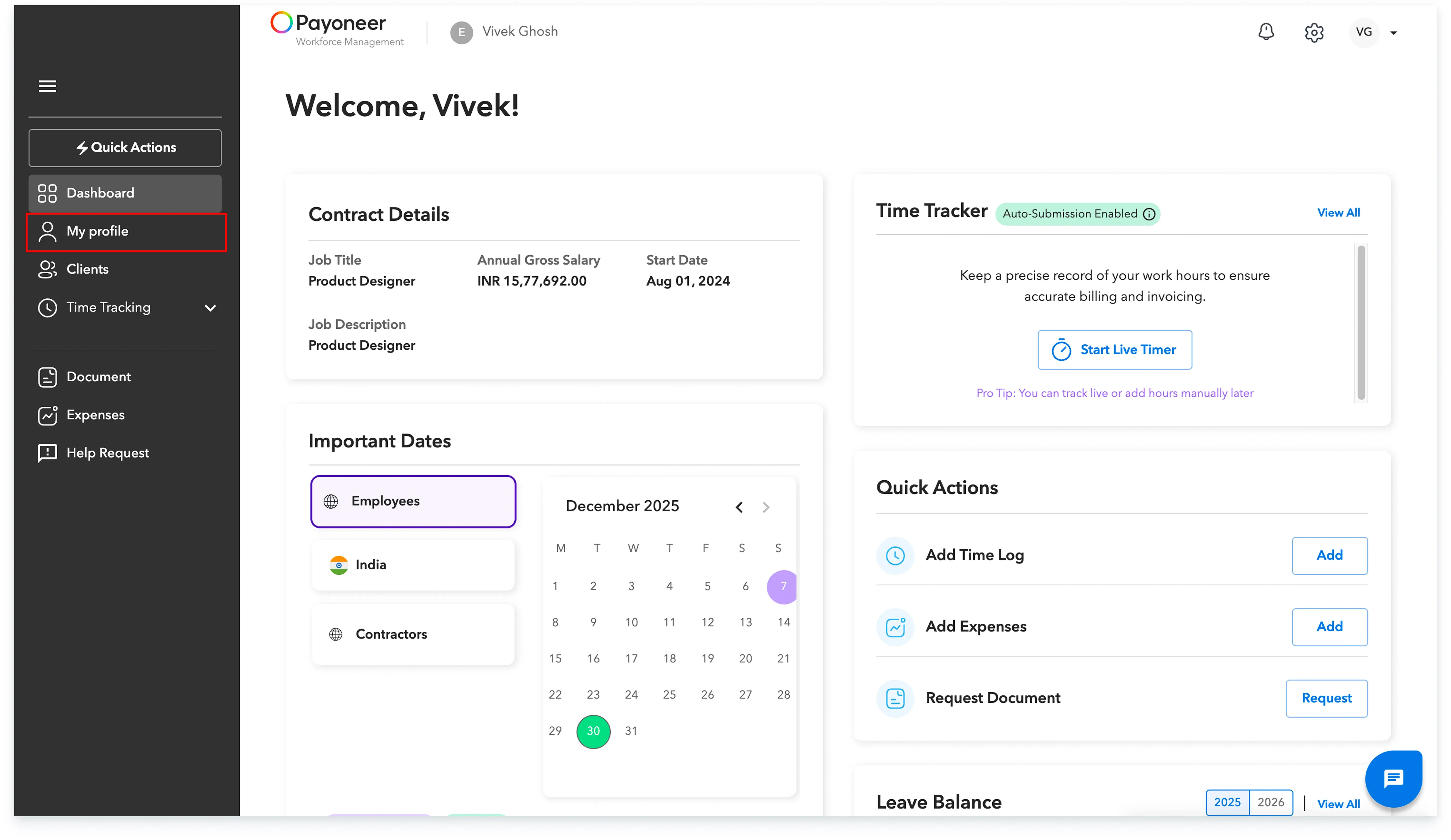
Step 1: Log in to Payoneer WFM’s platform and navigate to the ‘My Profile’ section.
Step 2: Scroll down under ‘Personal Details’ and find the bank details section. Click on the pencil icon to change your bank details.
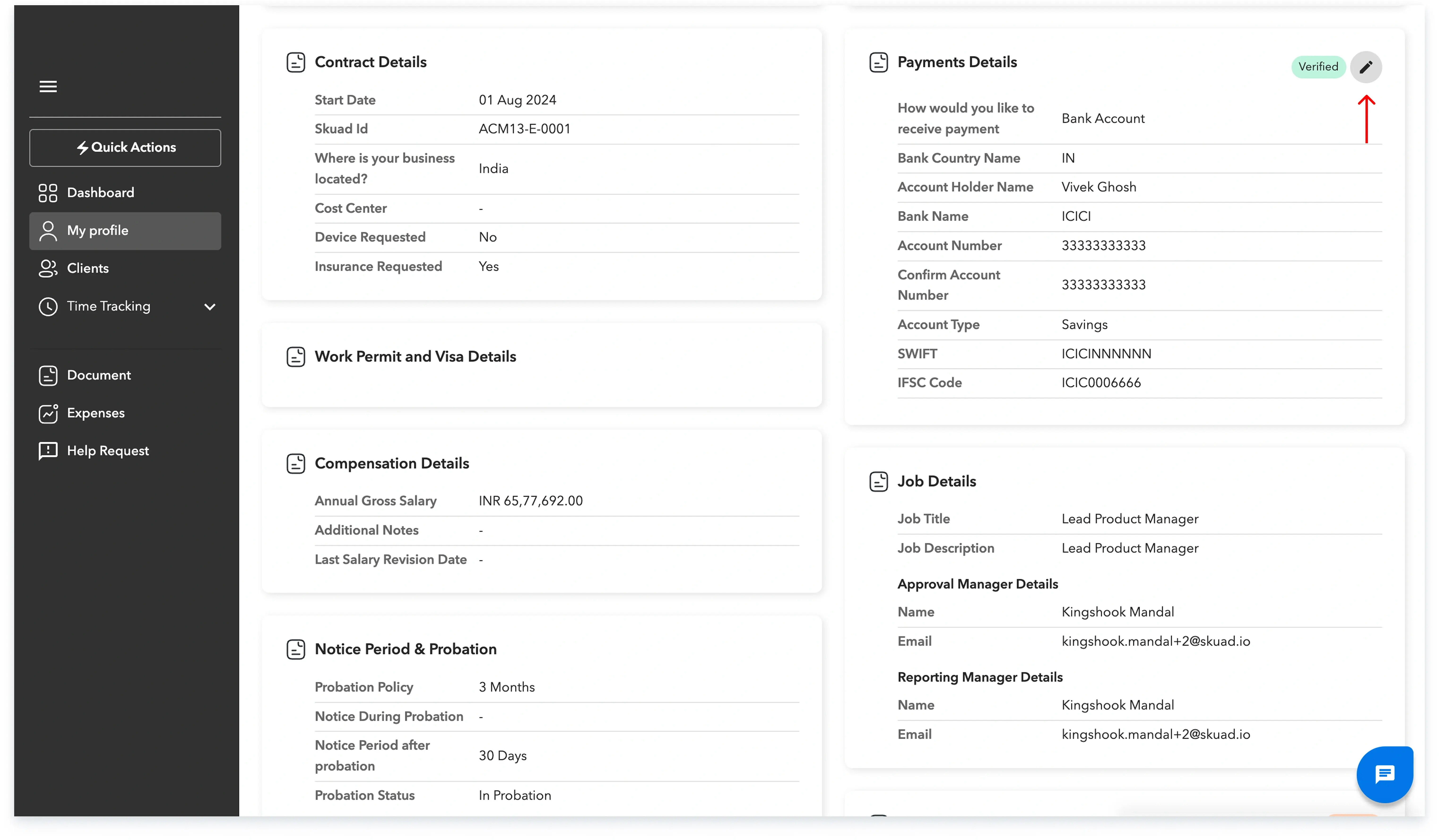
Step 3: Add your new bank details and click on the ‘Update’ button. Once it’s updated, you will start receiving your next salary in this new bank account.

Add your new bank details as required and click on the ‘Update’ button to save the information.
Global employment, payroll, teams and expansion, simplified.
Request demo