
Step-1:
Log into the Payoneer WFM platform.
Navigate to the worker profile of the new hire for whom you need to review the service order.
In order to view and Acknowledge a service order, navigate to the worker profile and click on Review service order

Carefully read through the entire service order to ensure you understand all terms and conditions.
After reviewing the document, click on the “Acknowledge” button to formally confirm your acceptance of the service order.
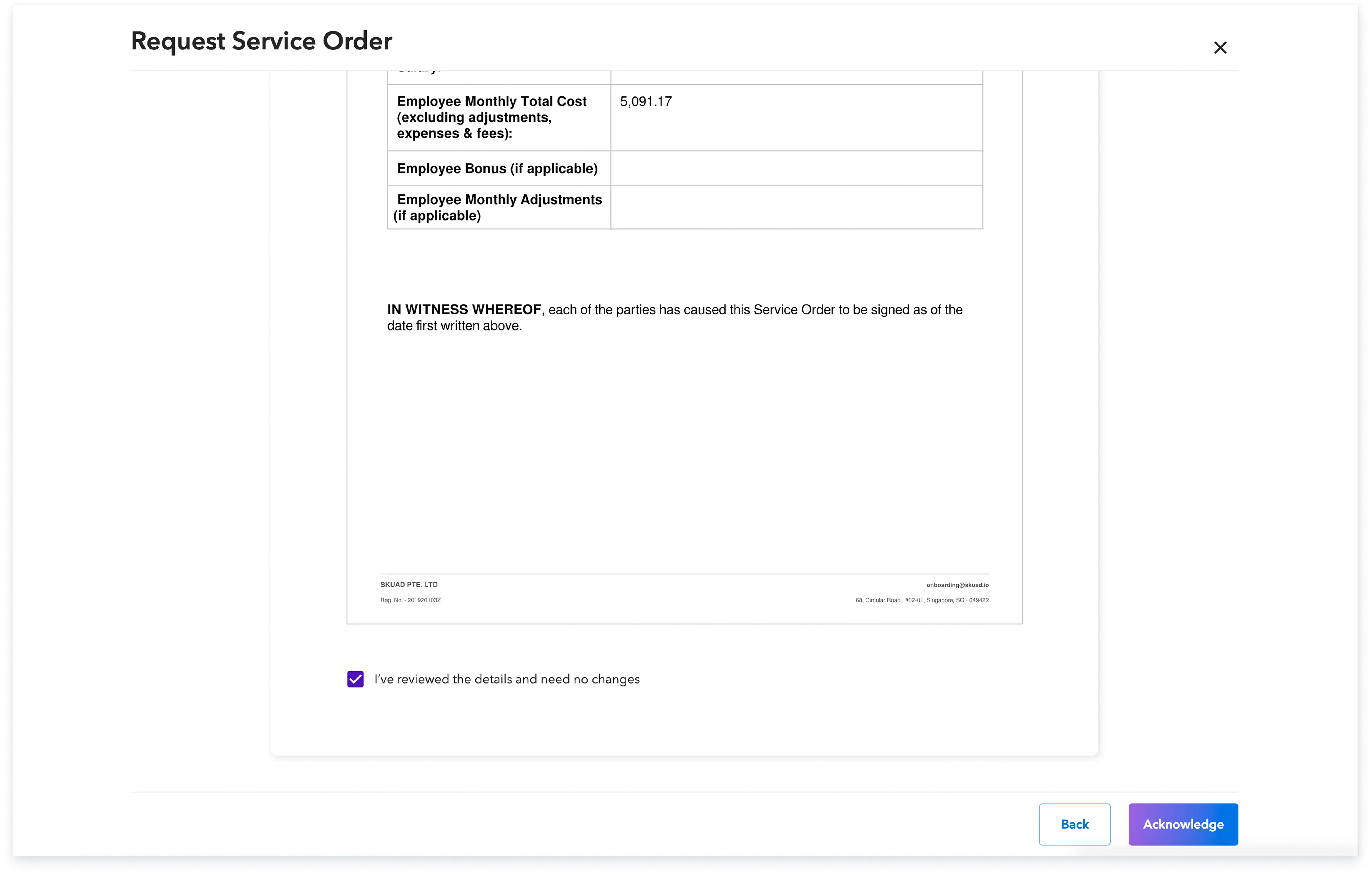
Completing these steps ensures the service order is properly acknowledged and recorded for the new hire.
Global employment, payroll, teams and expansion, simplified.
Request demo